

• Product Configurator + Revit

    Arte Metal Series - Bronze Steel Aluminum

Interactive 3D Configurator and Revit for Architects 

Designed for Early-Stage Architectural Thinking 

With 3D product configuration and Revit documentation working together, Dynamic offers a unified design-stage resource for architects and design teams operating in complex, high-performance, and luxury architectural contexts. 

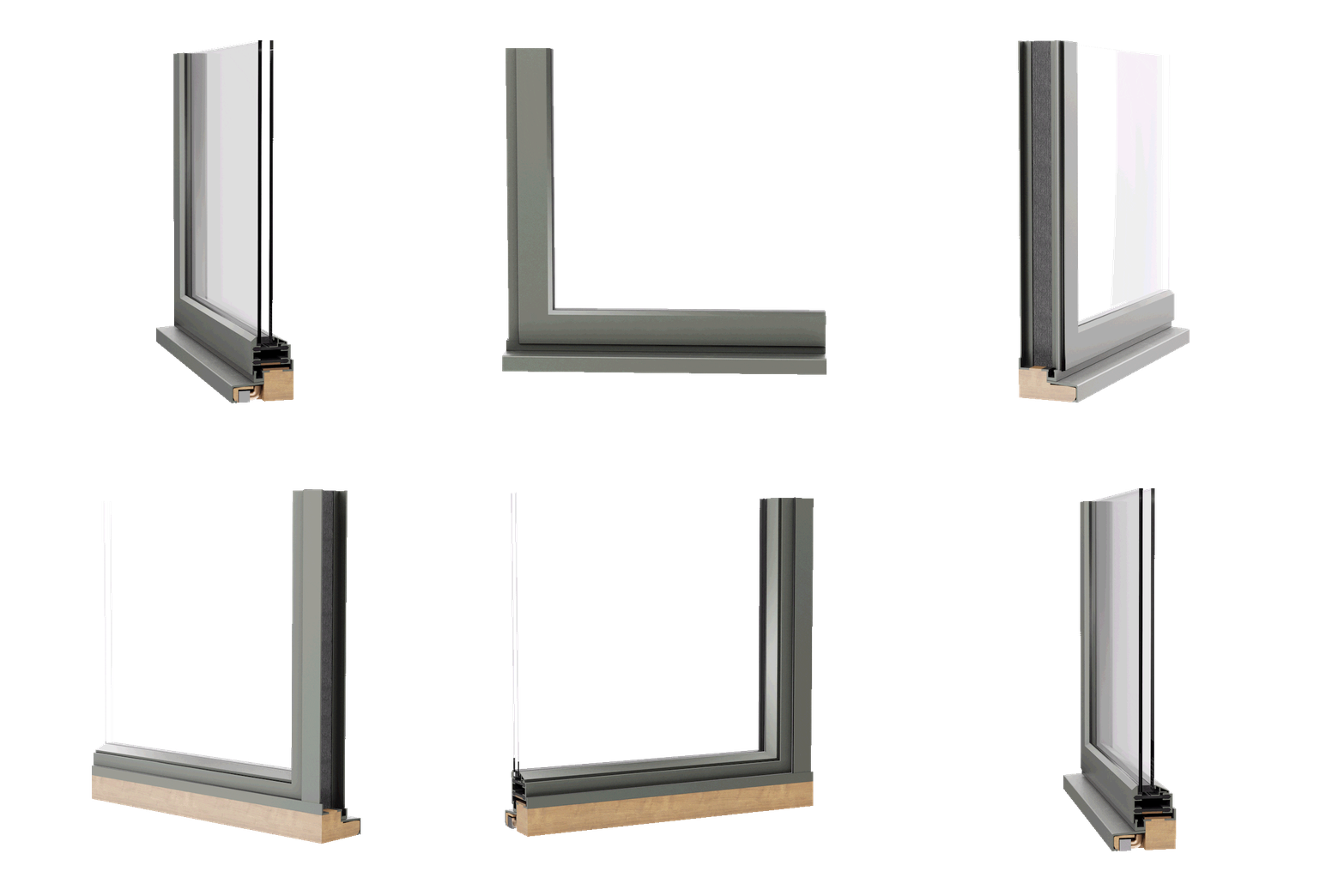
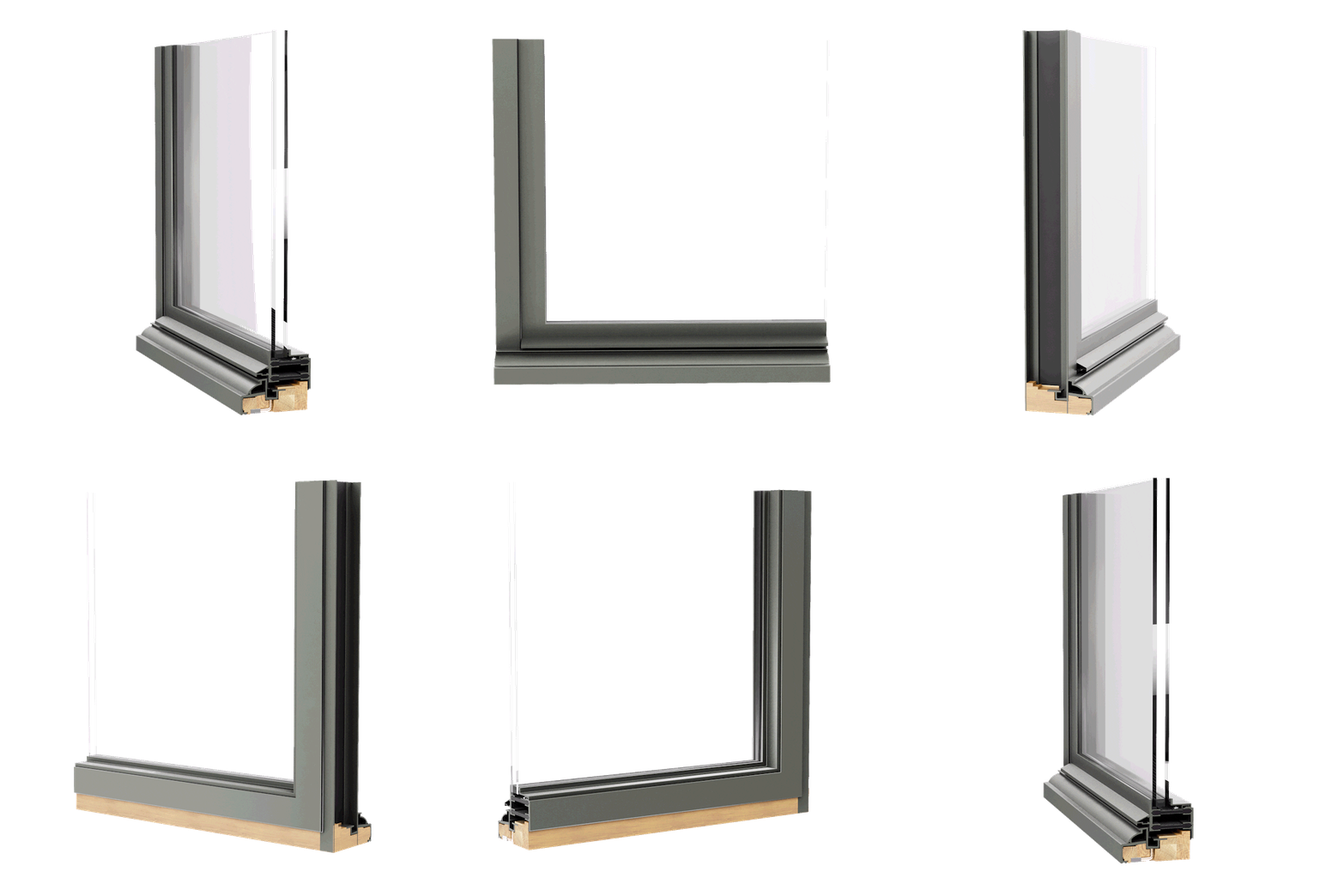
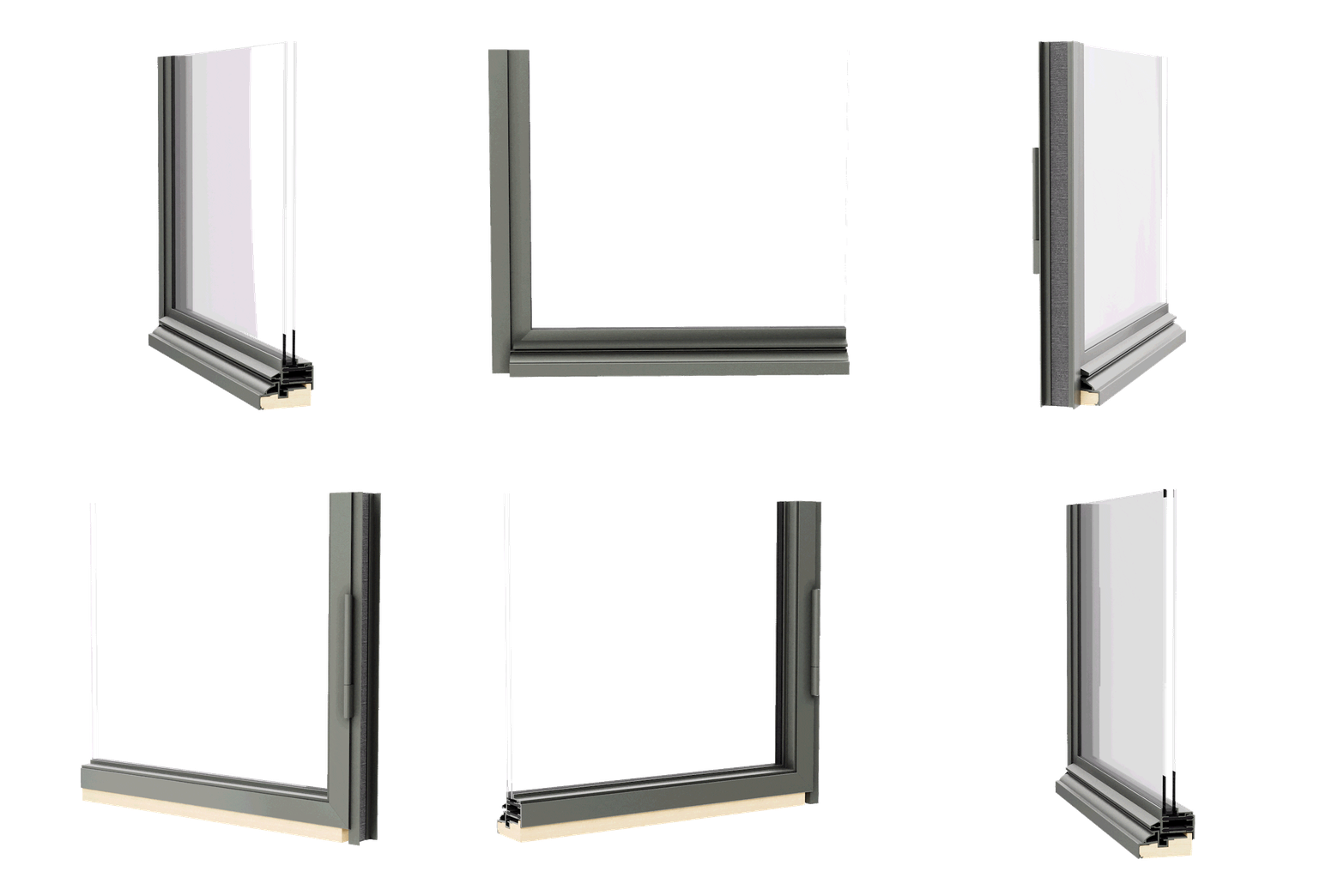
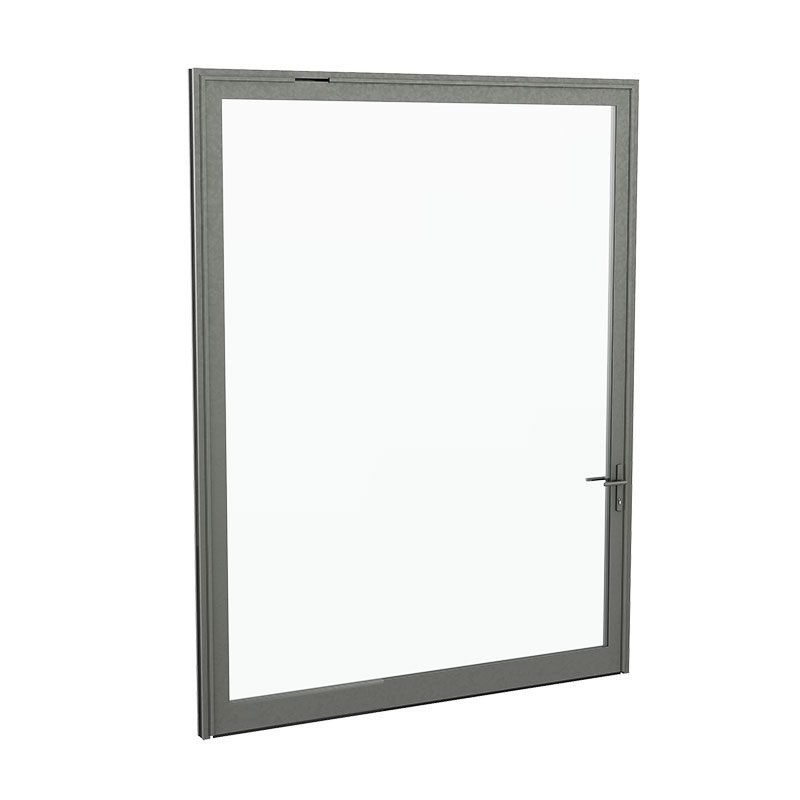
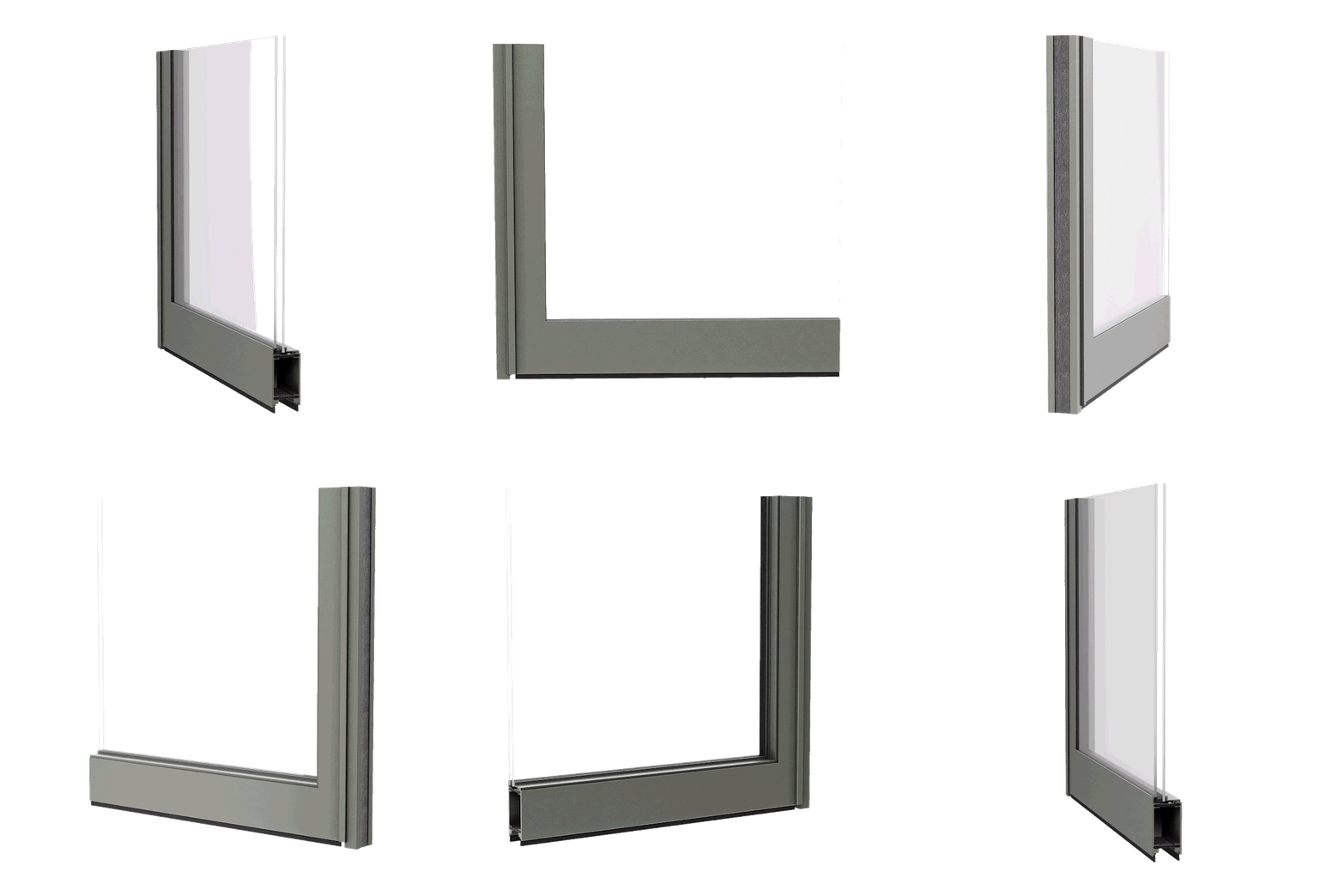
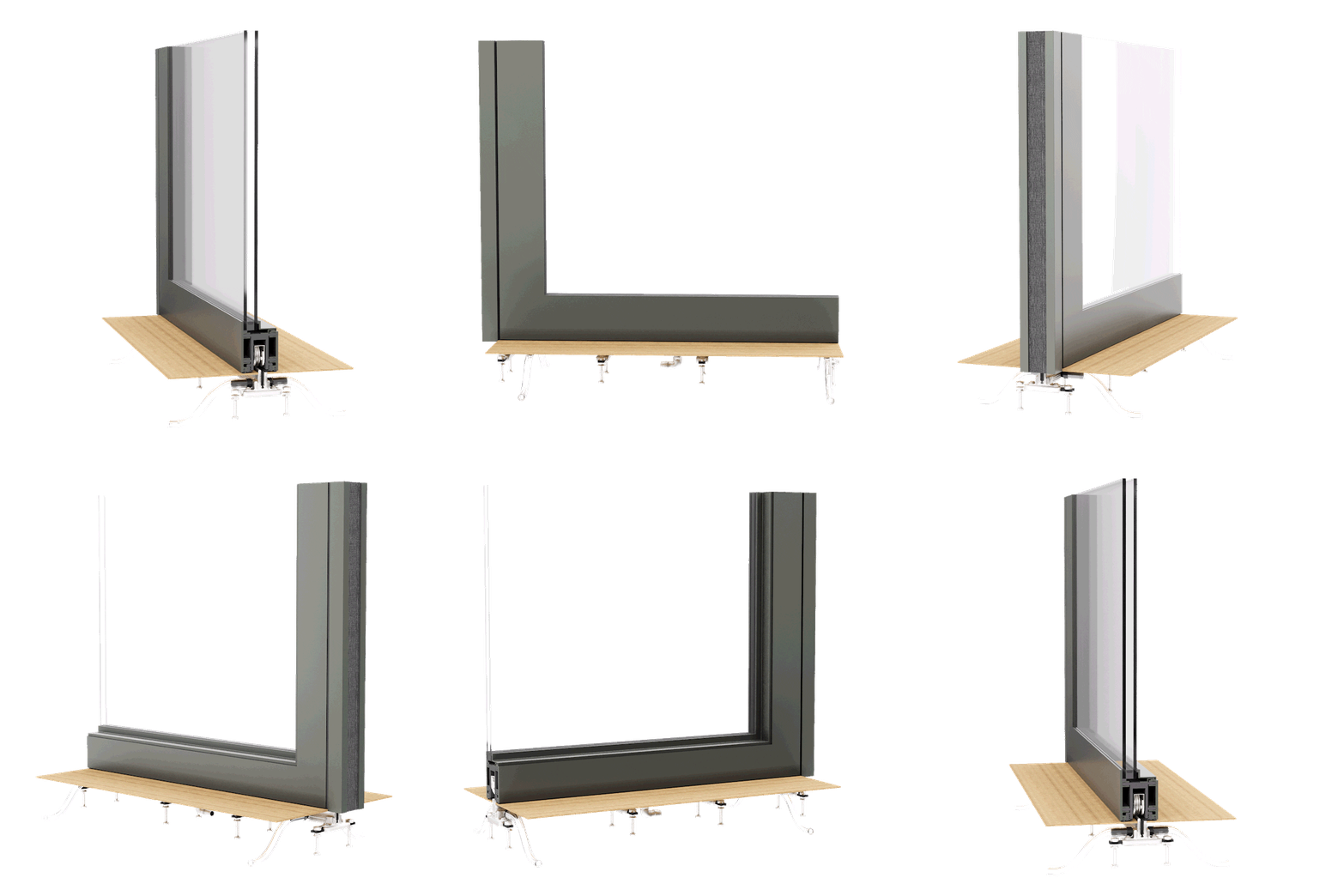
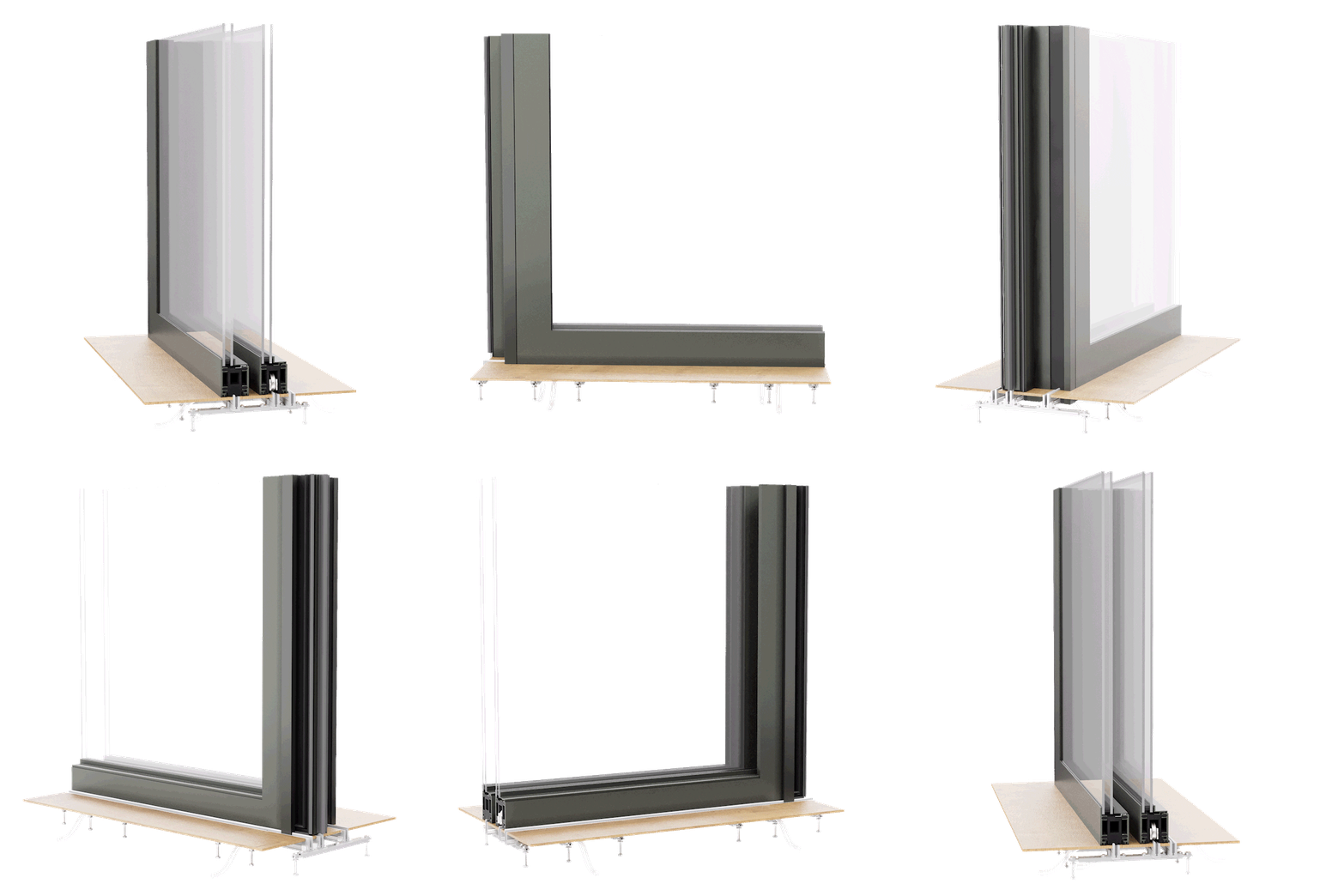
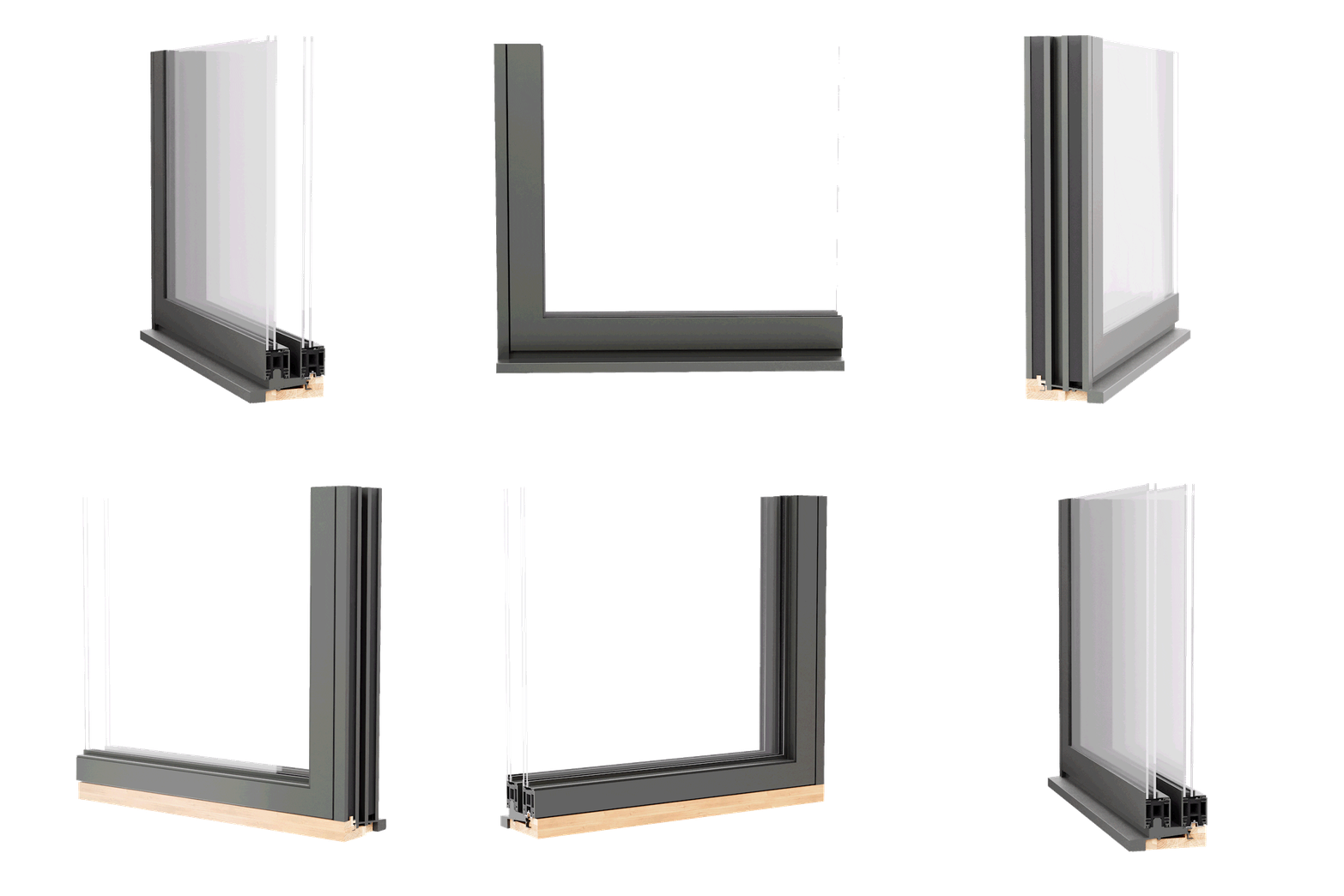
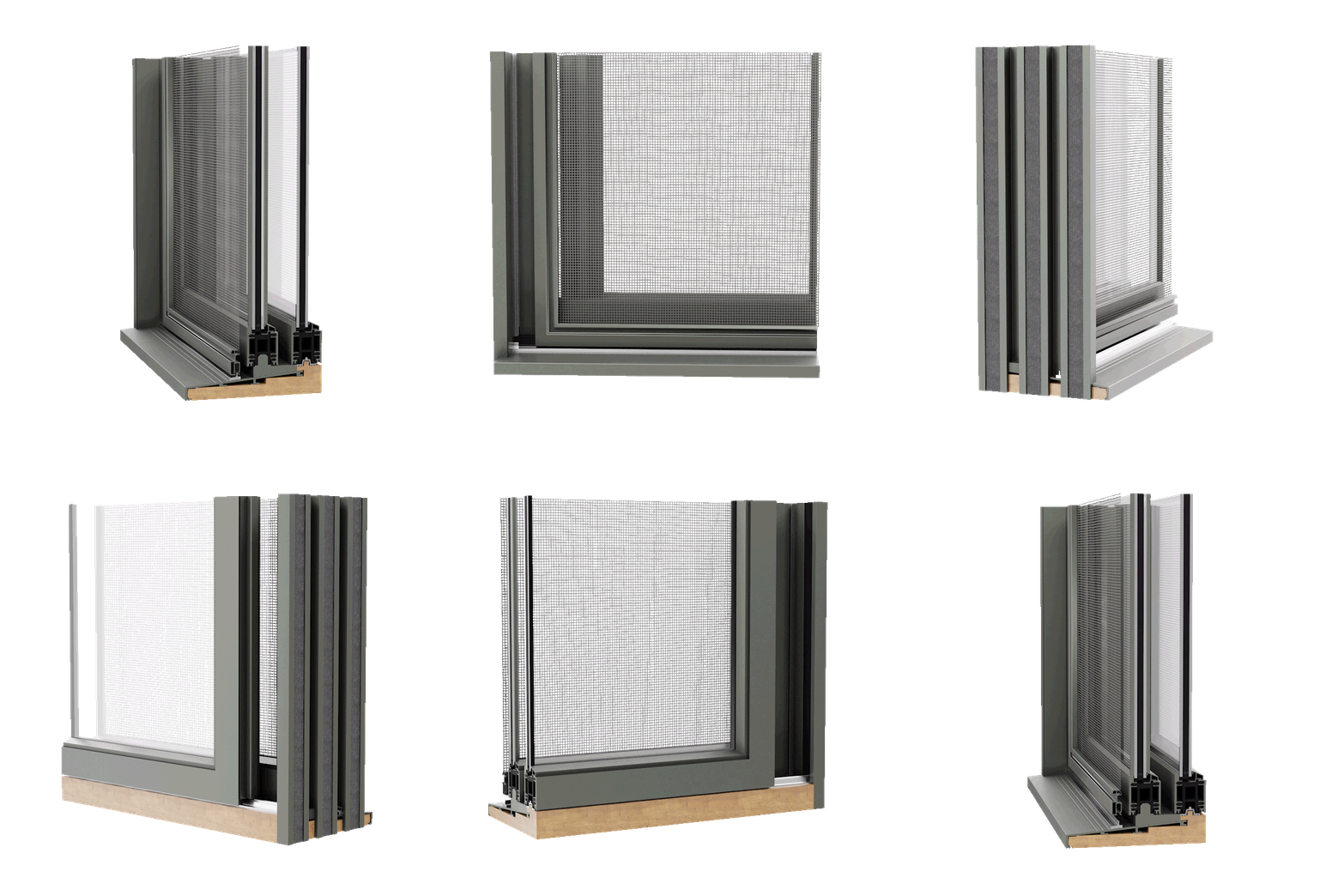
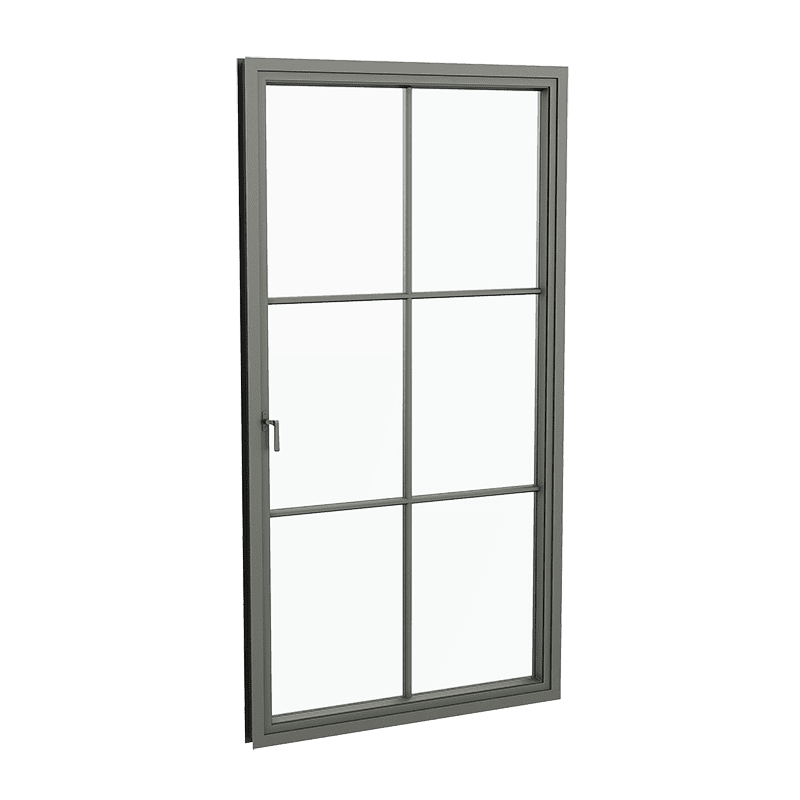
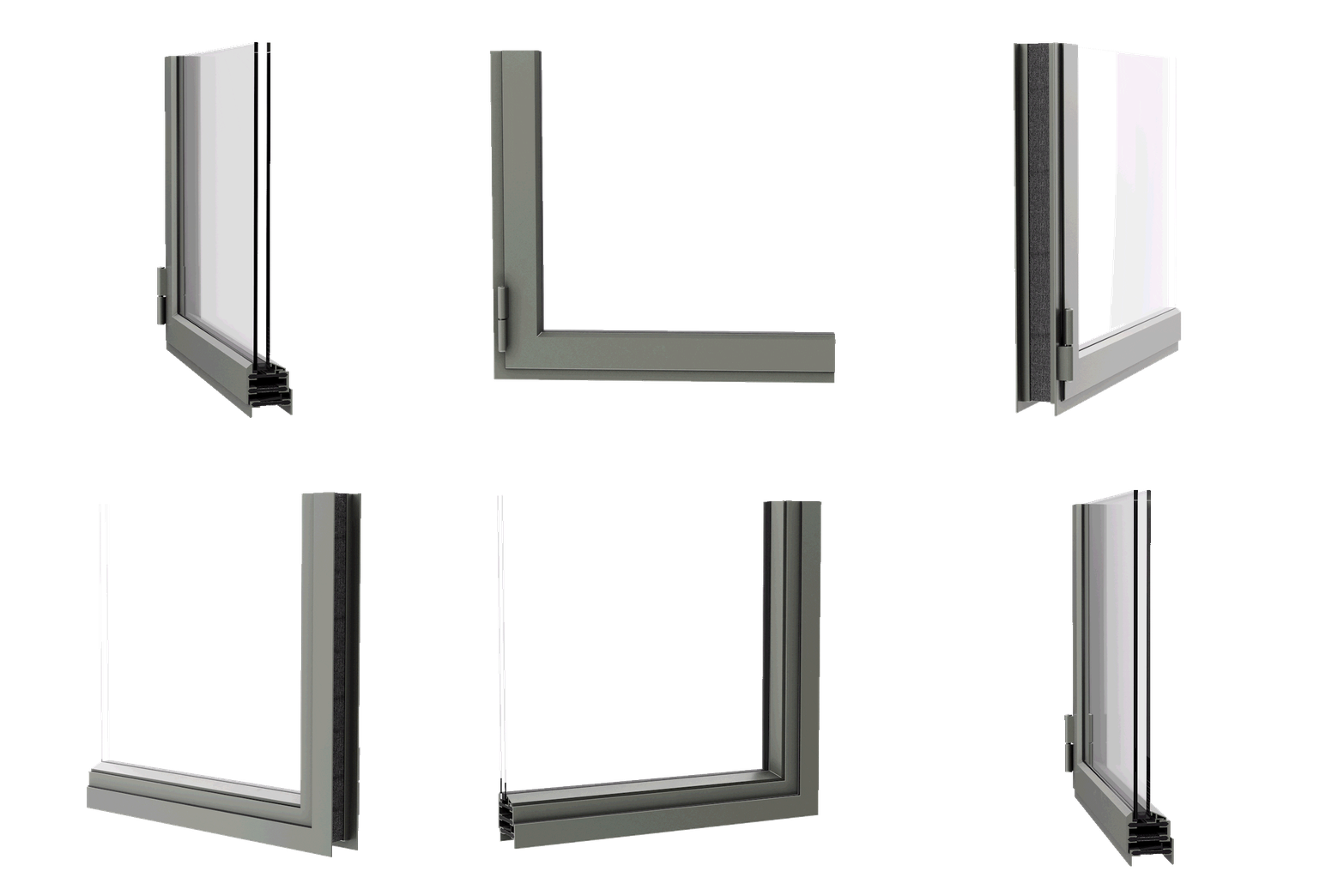
This environment allows you to visualize handcrafted Arte Metal fenestration in three dimensions, exploring material expression, proportions, and system geometry, while also accessing Revit files that support accurate architectural documentation. 

The intent is not pricing or product selection, but rather it is design alignment and documentation clarity, early. 

Connect with one of our Navigators if your firm would like access to the full library of Arte Metal Revit files.

Dynamic’s 3D configuration and Revit resources are positioned upstream in the design process, when ideas are still fluid and architectural intent matters most. 

They allow you to:

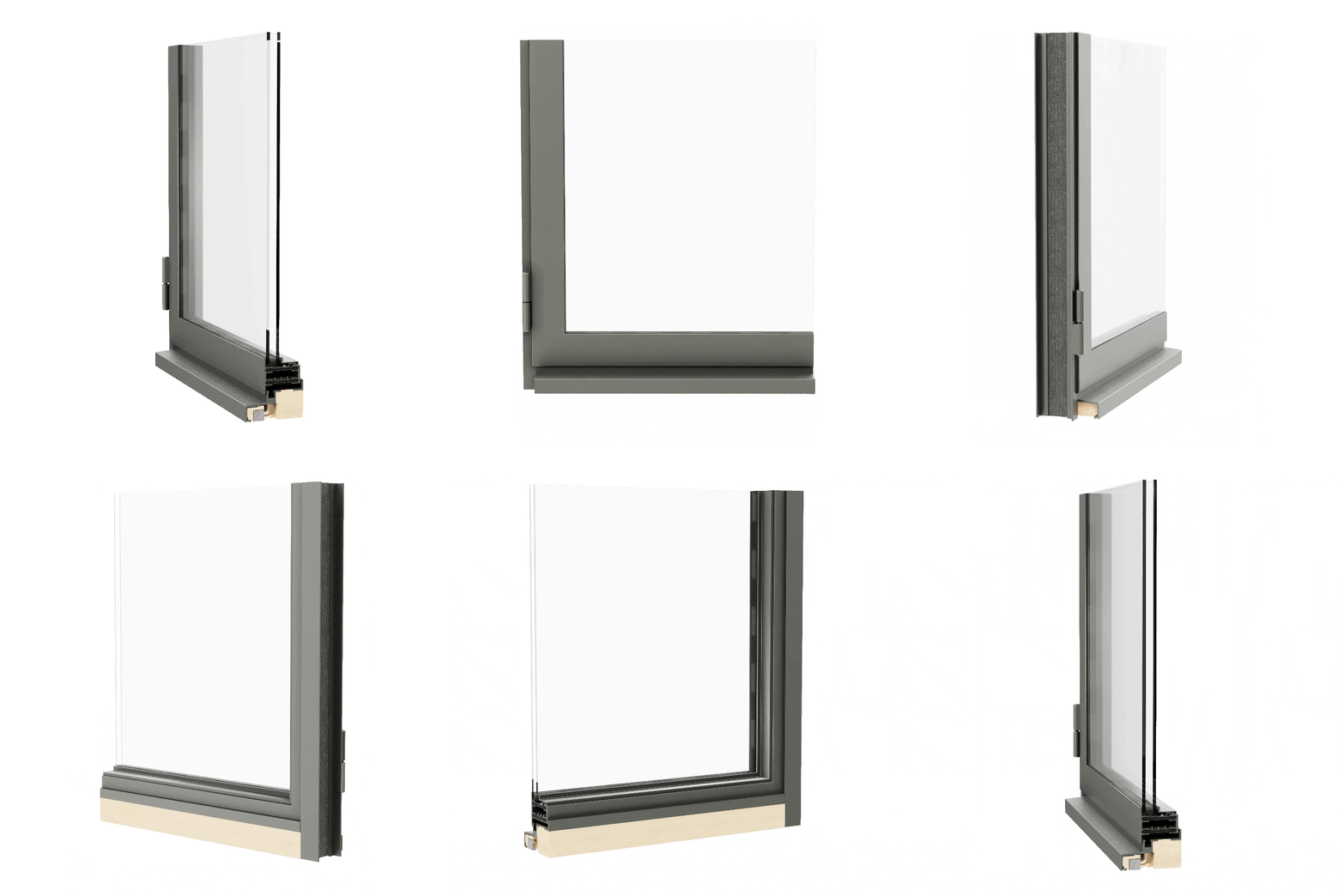
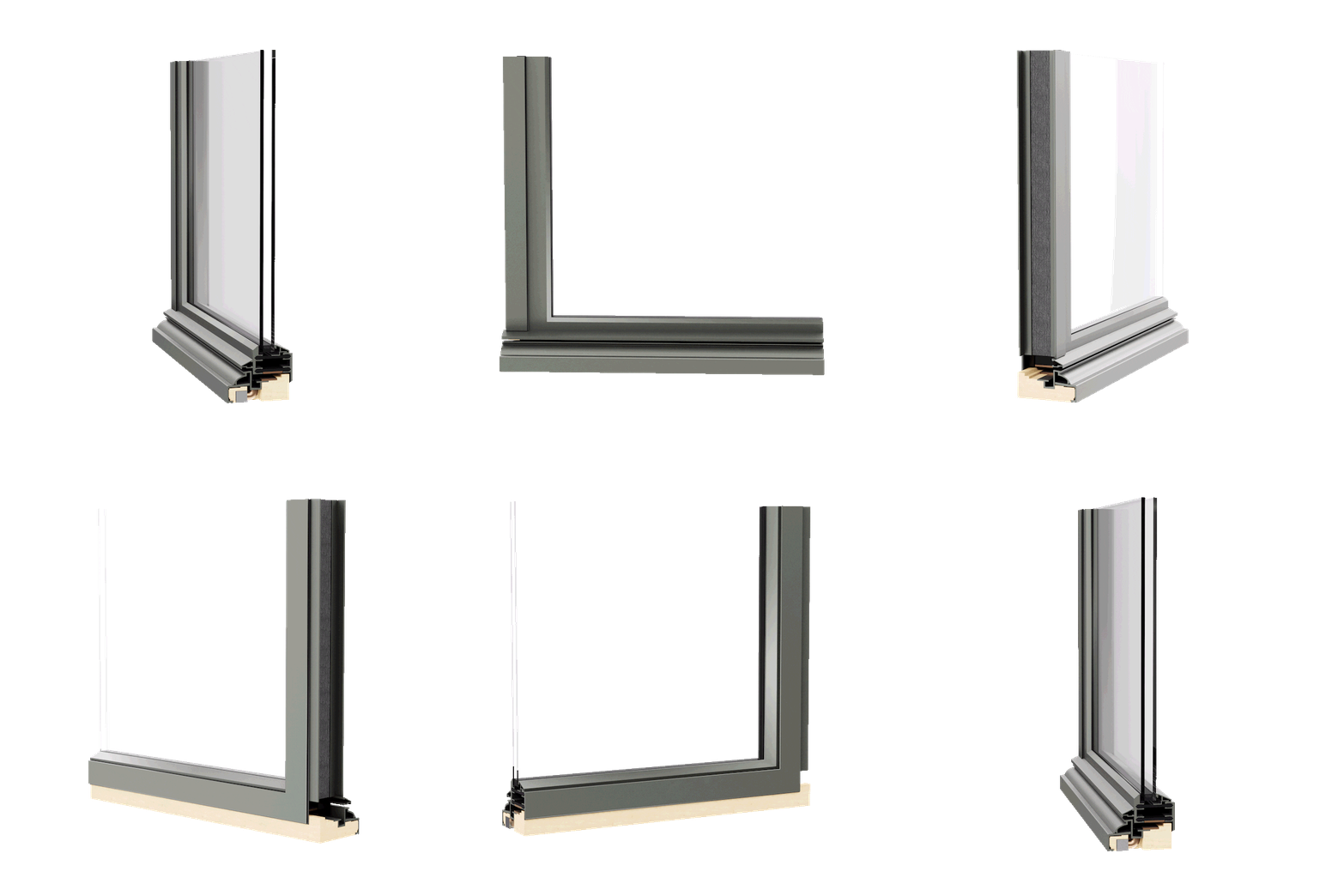
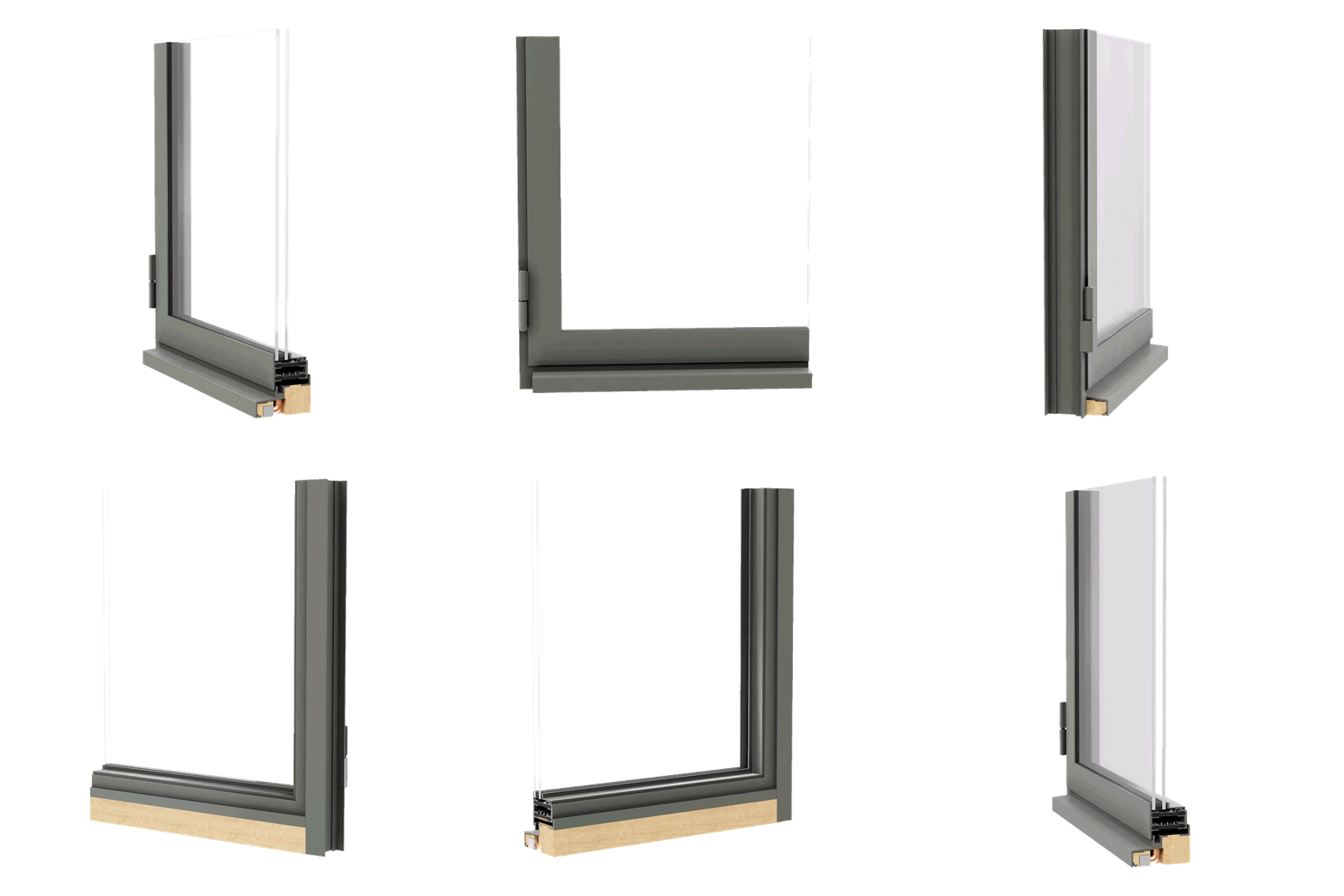
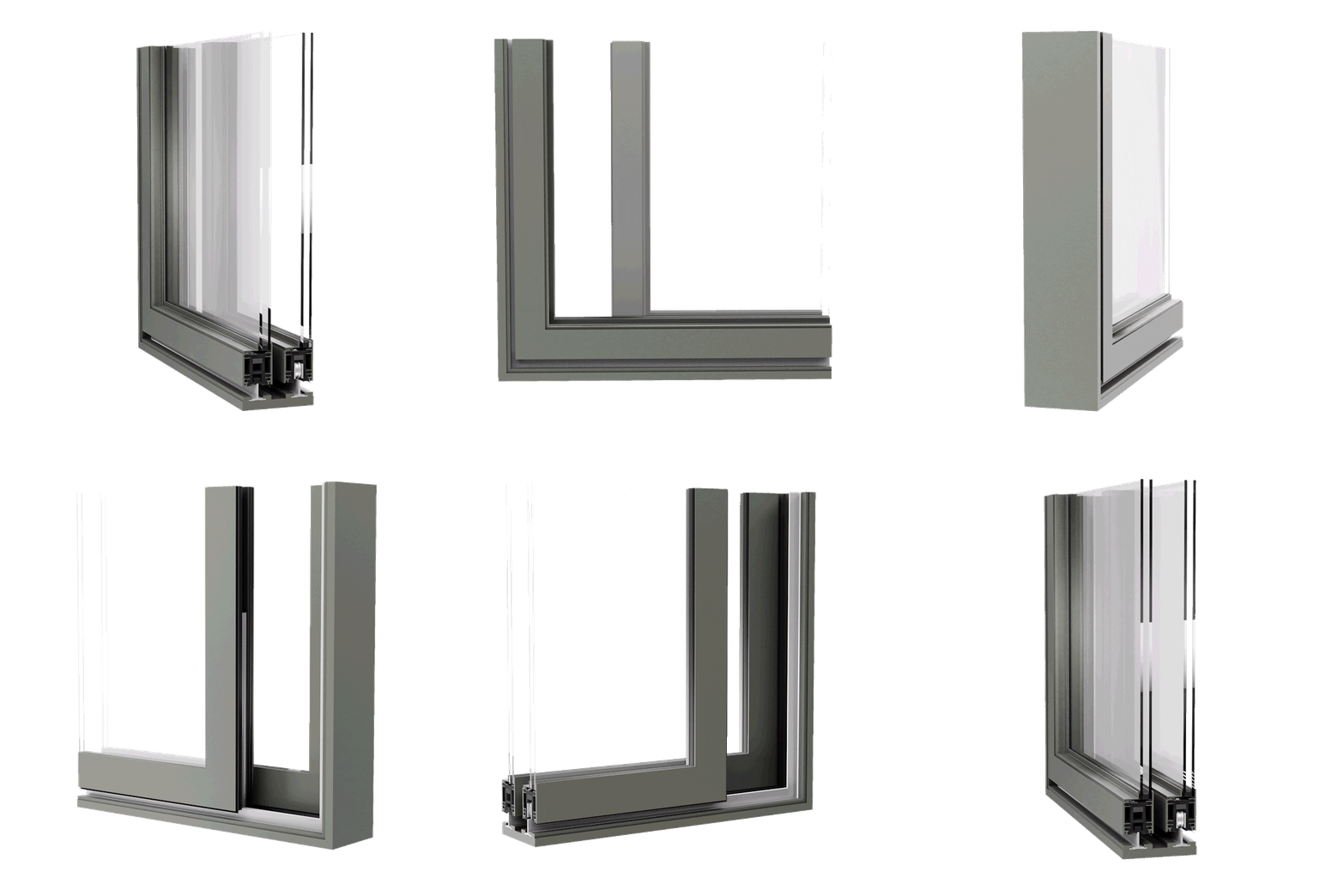
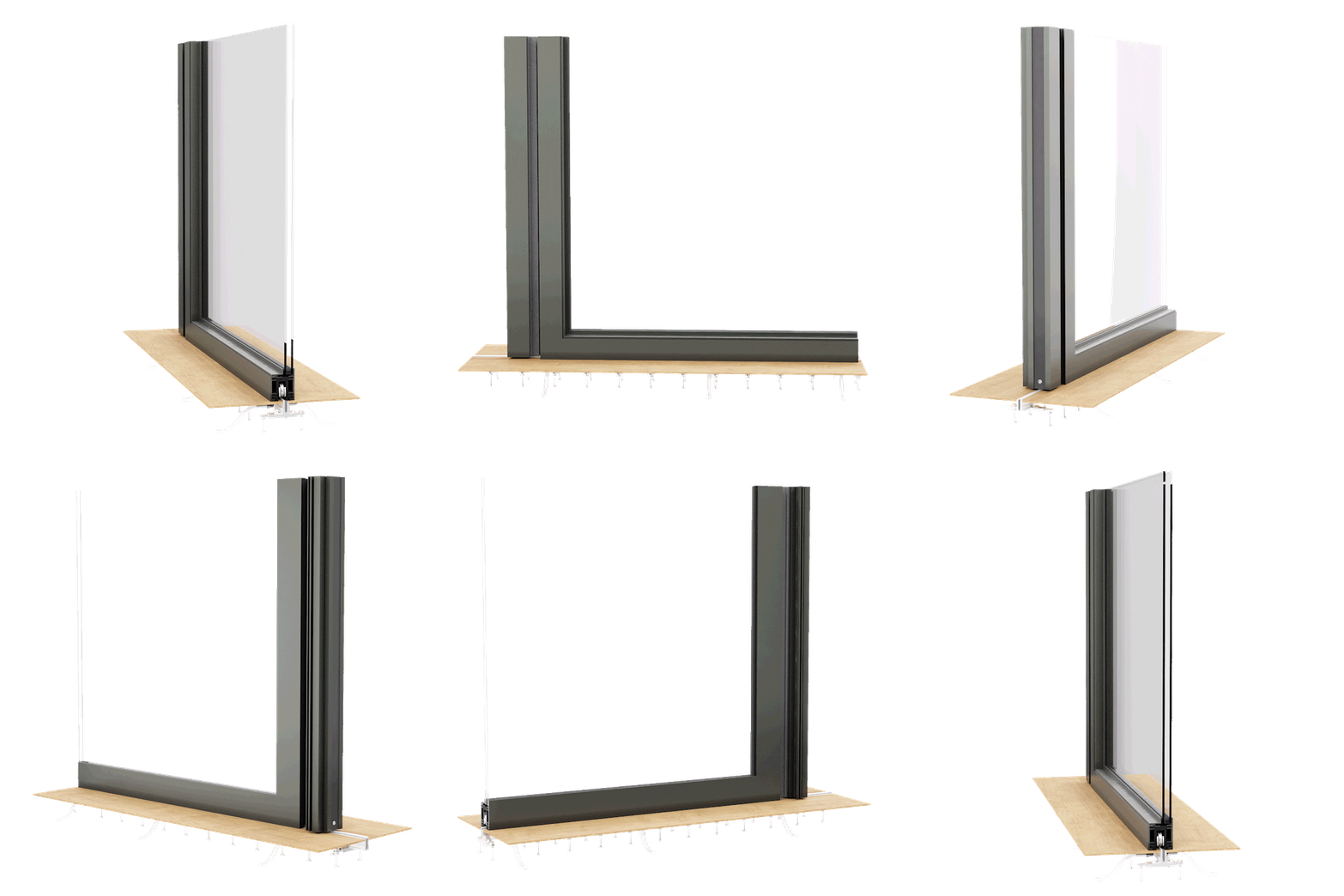
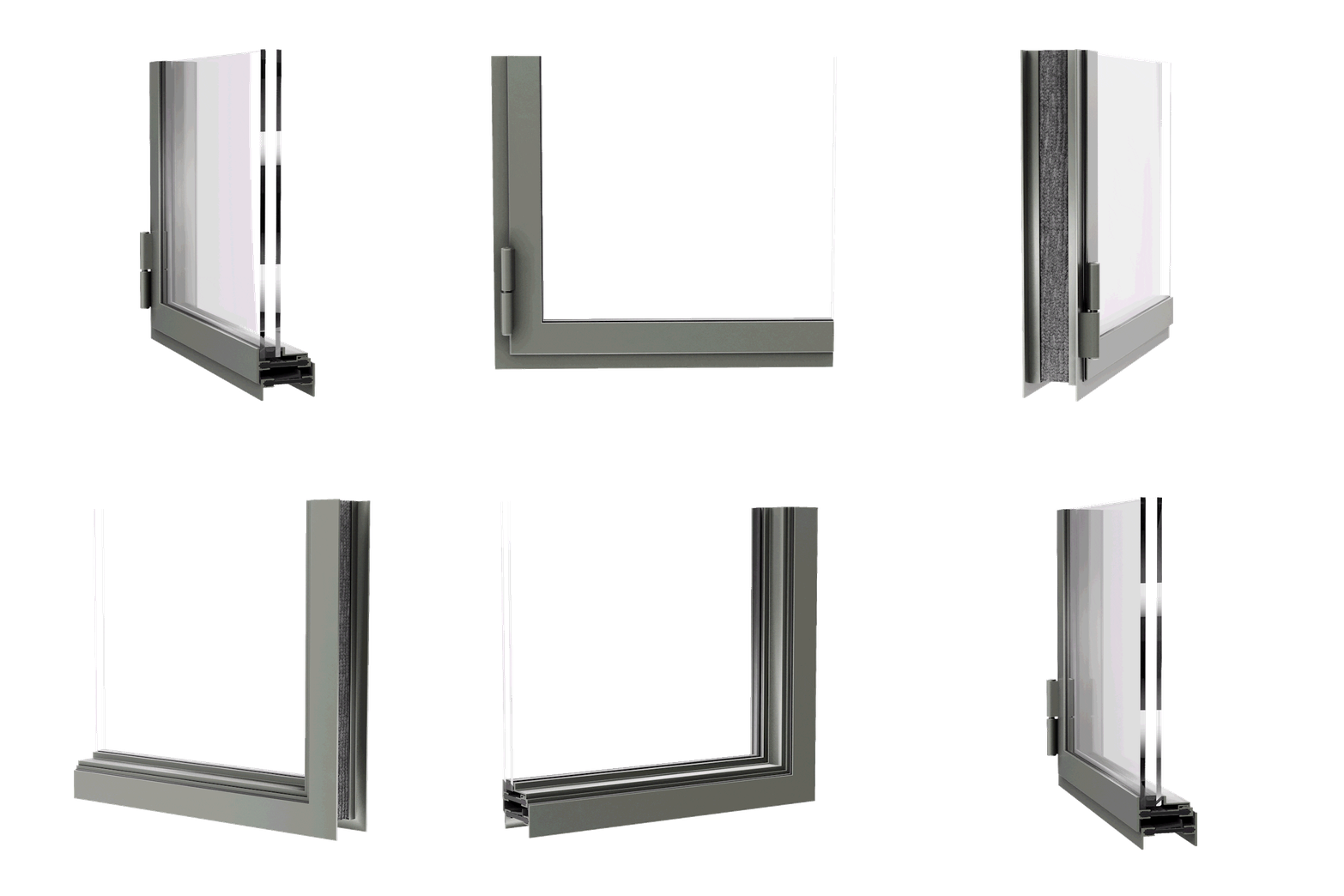
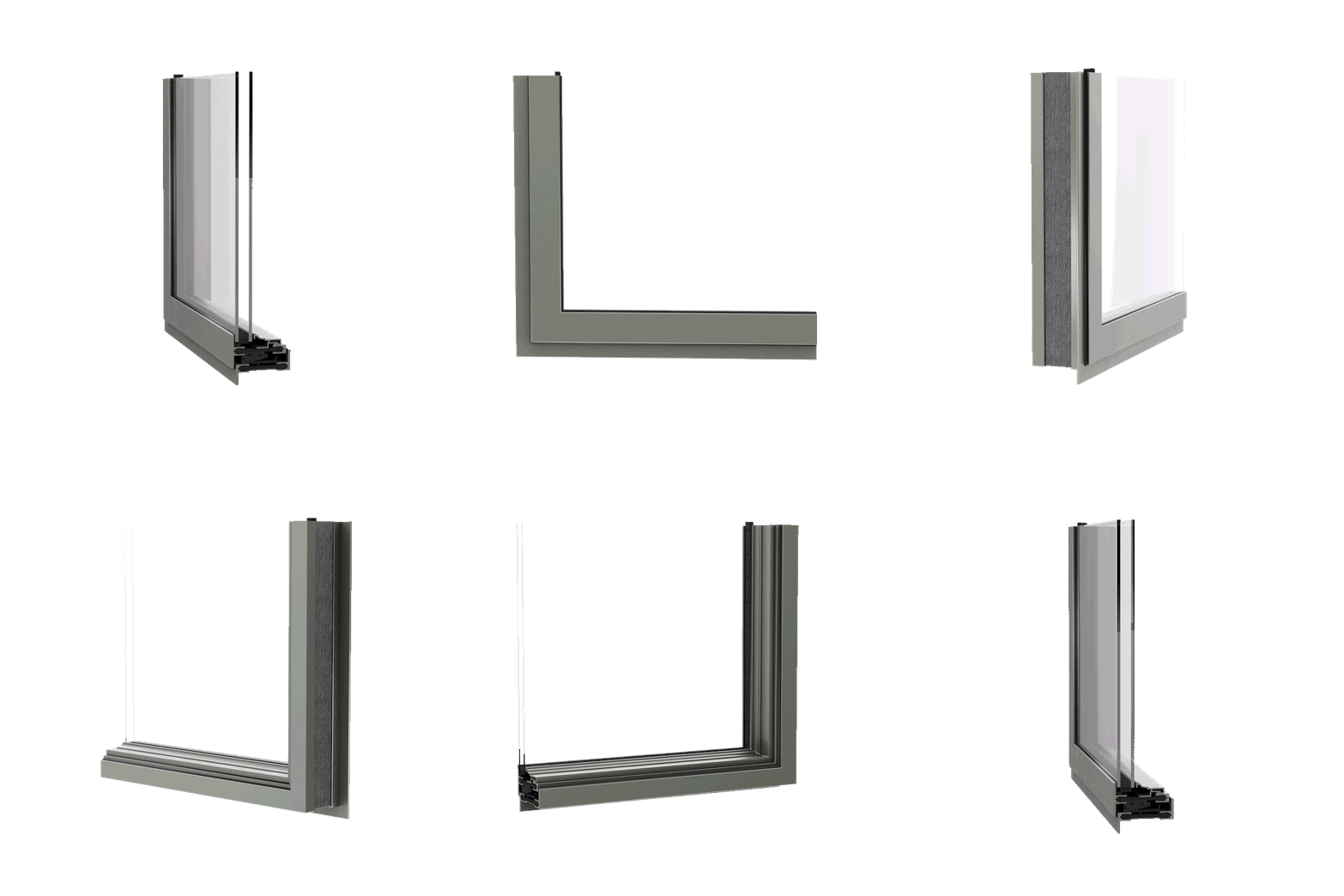
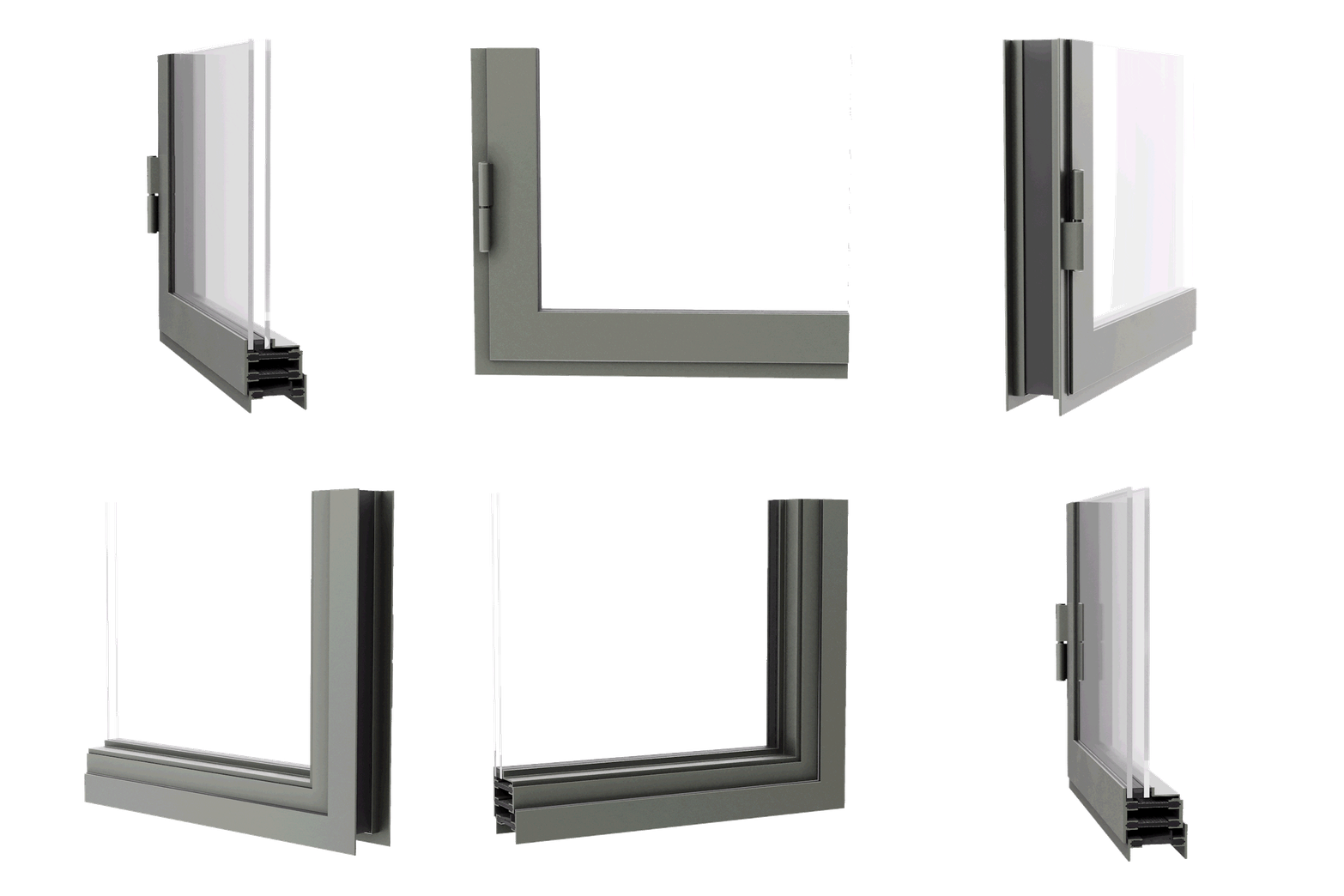
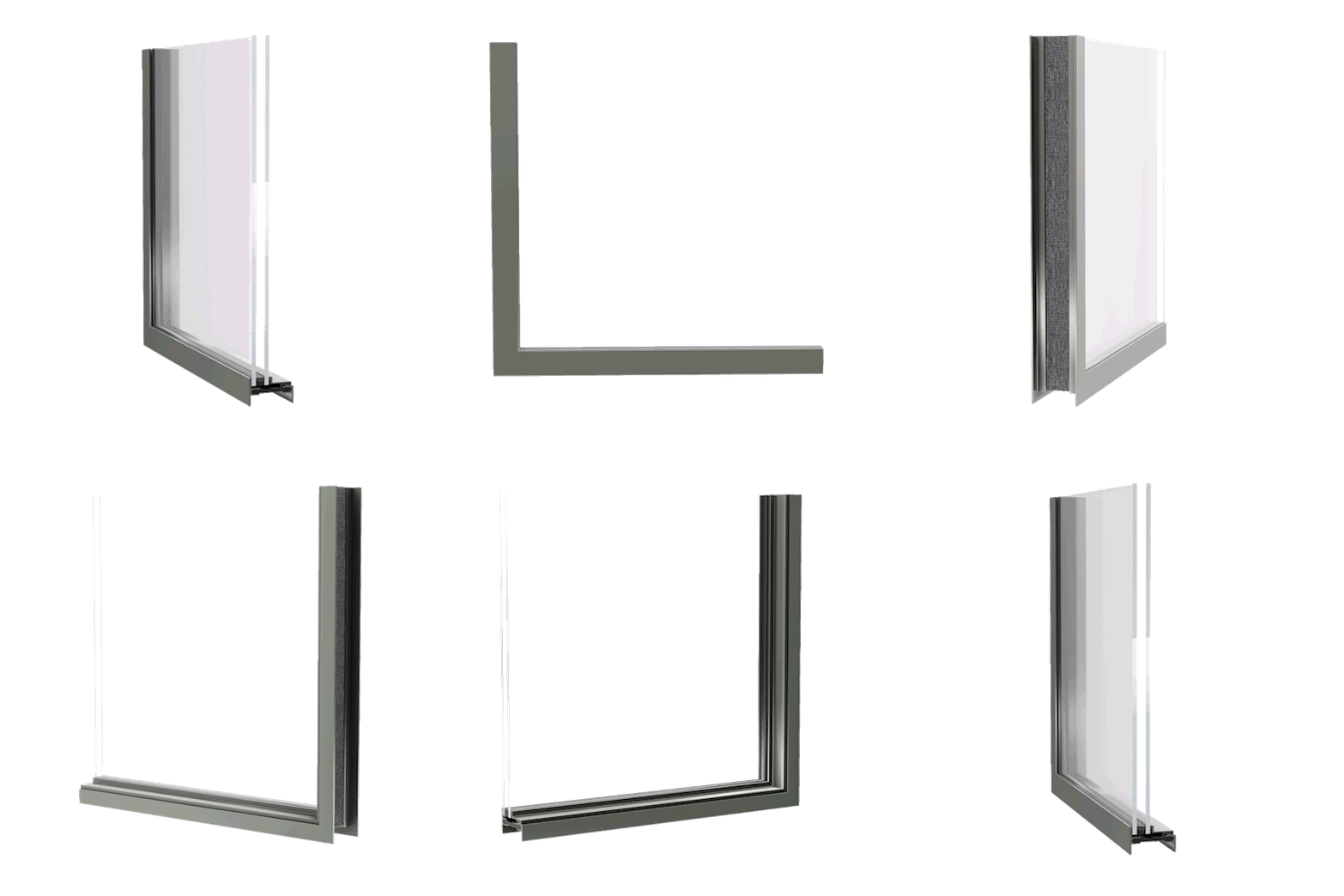
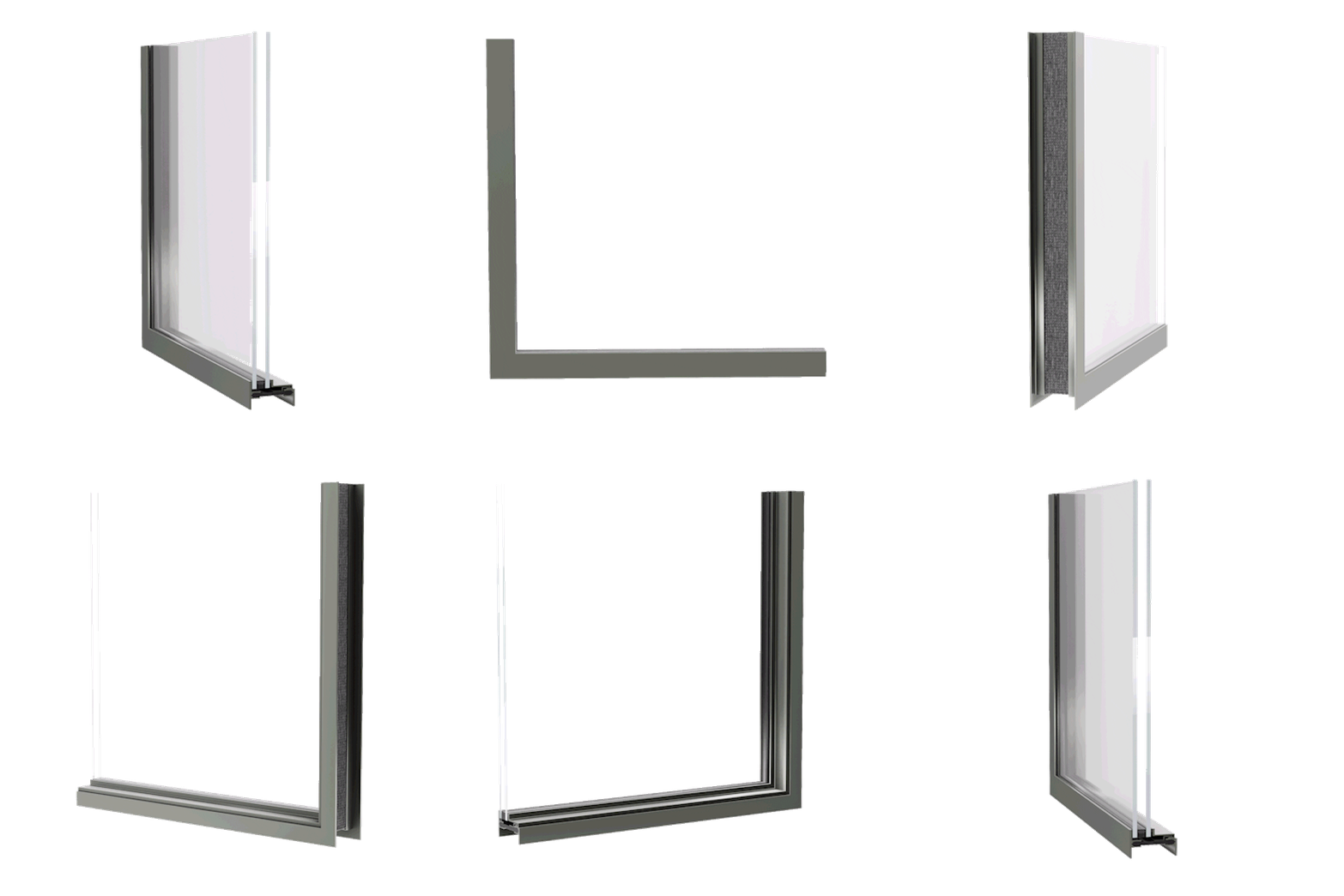
  • Explore minimal sightlines and frame geometry
  • Compare material expression across bronze, steel, aluminum, and hybrid systems
  • Understand how different systems influence elevation, rhythm, and scale
  • Align internal teams and clients around a shared visual language
  • Transition smoothly from conceptual exploration to BIM documentation

The goal is not specification, it is clarity of intent and continuity into documentation. 

This resource is built for professionals shaping architecture where fenestration is integral to the experience of space: 

  • Luxury residential architects developing custom envelopes 
  • Quiet and ultra-luxury hospitality designers prioritizing restraint and proportion 
  • Developers of bespoke or branded residences evaluating material identity 
  • Design teams seeking early alignment before engineering begins 

If fenestration is a defining architectural element, not an afterthought, this belongs early in your workflow. 

This resource is most effective: 

  • During schematic design 
  • While developing client presentations 
  • When testing material direction across elevations 
  • Before committing to details that are difficult, or costly, to reverse 
  • When preparing for early BIM coordination 

It is designed to support better conversations earlier, not replace the rigor that follows. 

This is not a sales interface, a pricing engine, or a homeowner selector. Most configurators reduce architecture to presets, SKUs, and checkboxes, this does not. 

Dynamic’s 3D configuration paired with Revit files provides: 

  • A conceptual visualization environment 
  • A material and proportion exploration framework 
  • A direct bridge between design intent and design-assist collaboration 
  • BIM-ready content that supports architectural coordination 

It reflects how Dynamic actually works with architects. We solve before we fabricate. 
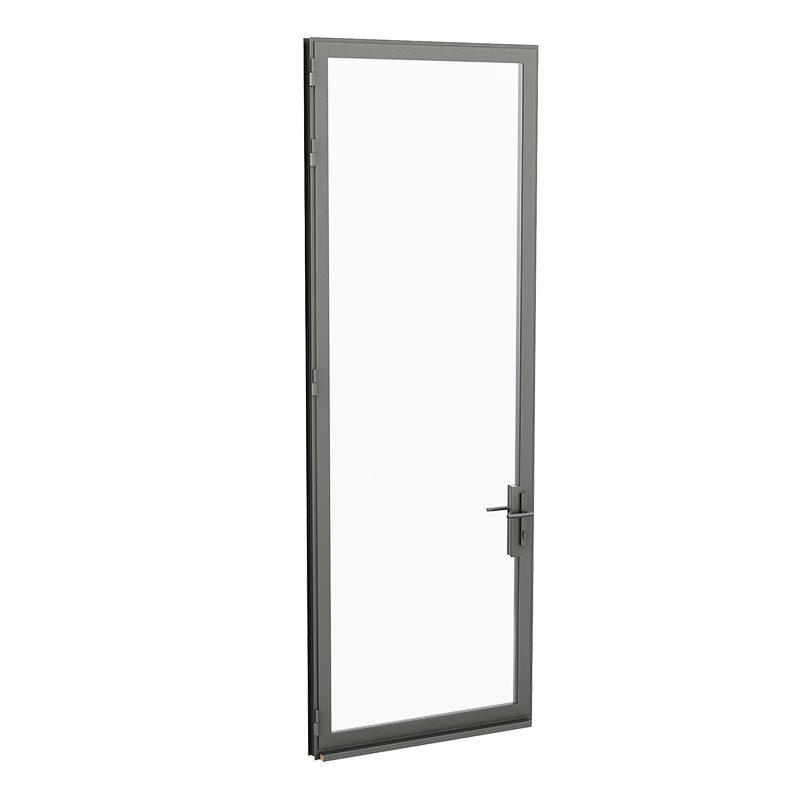
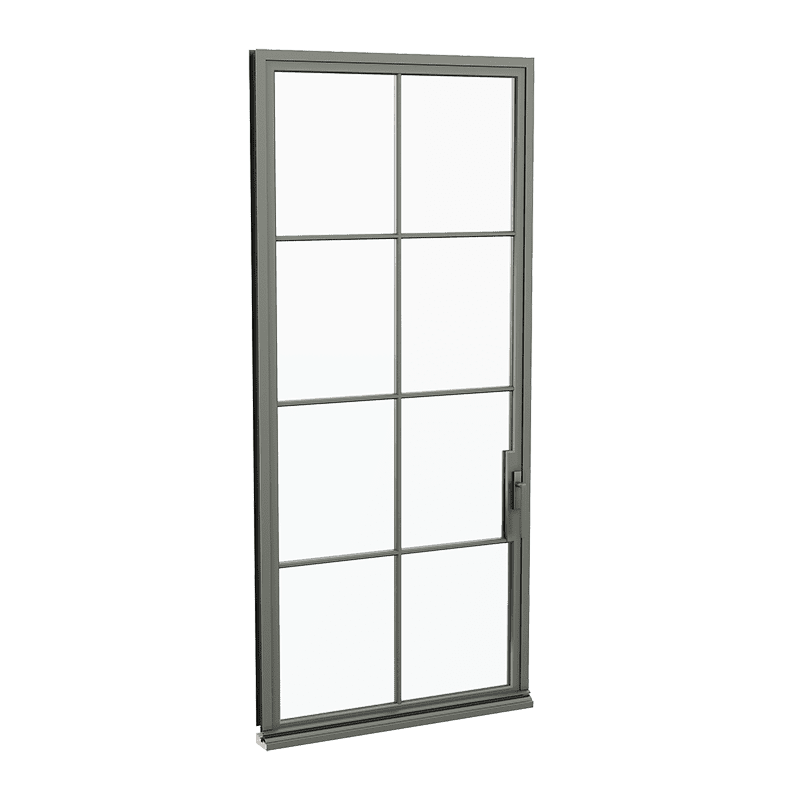
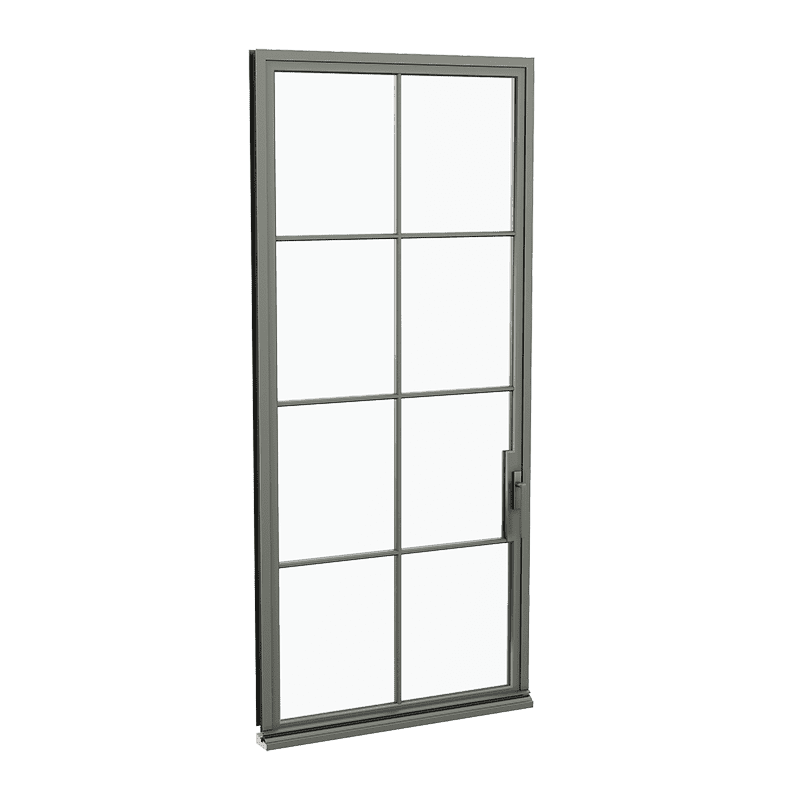
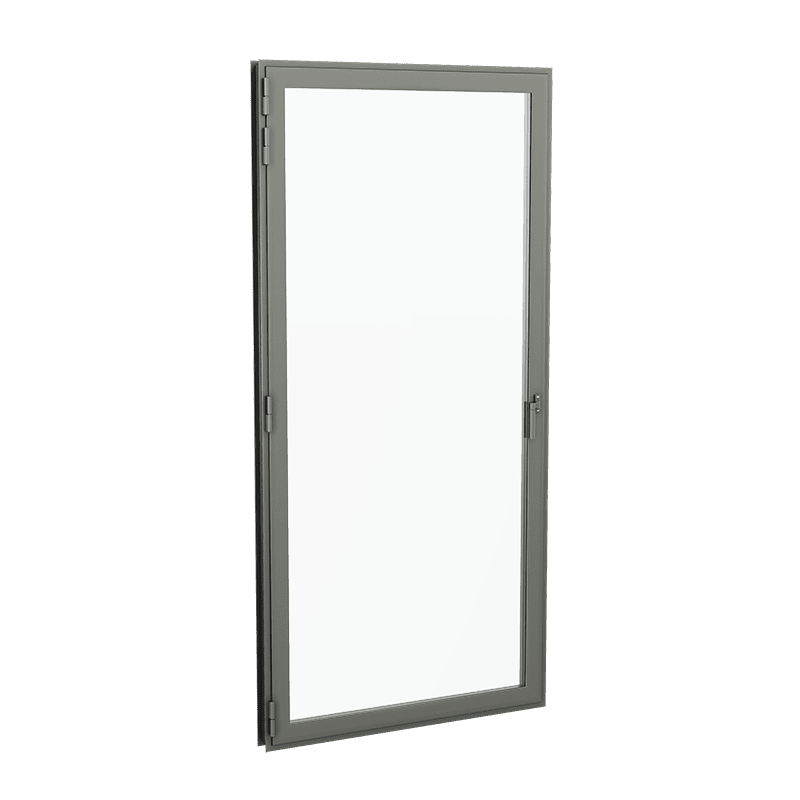
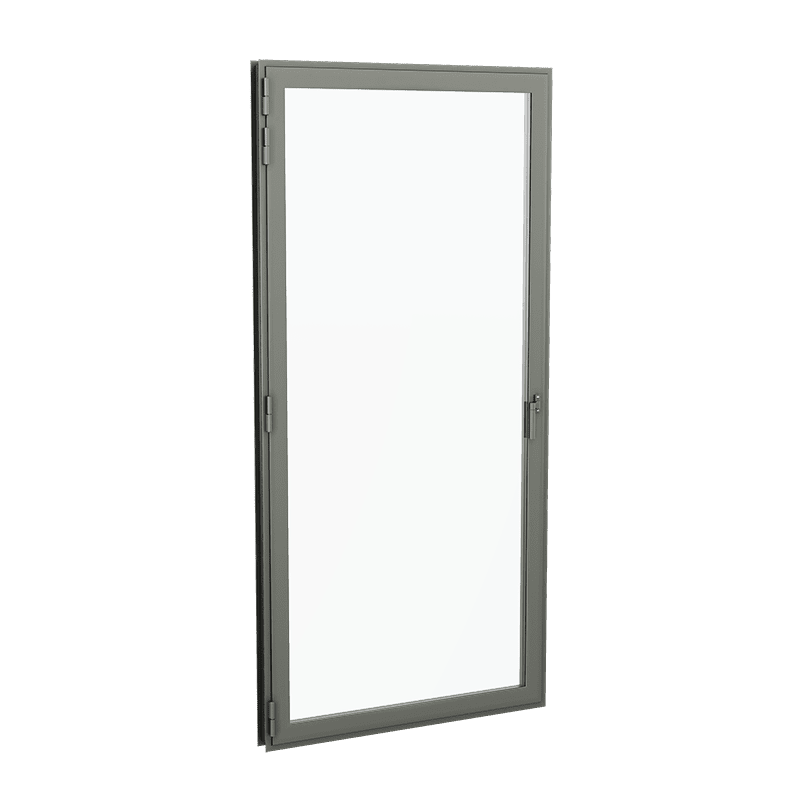
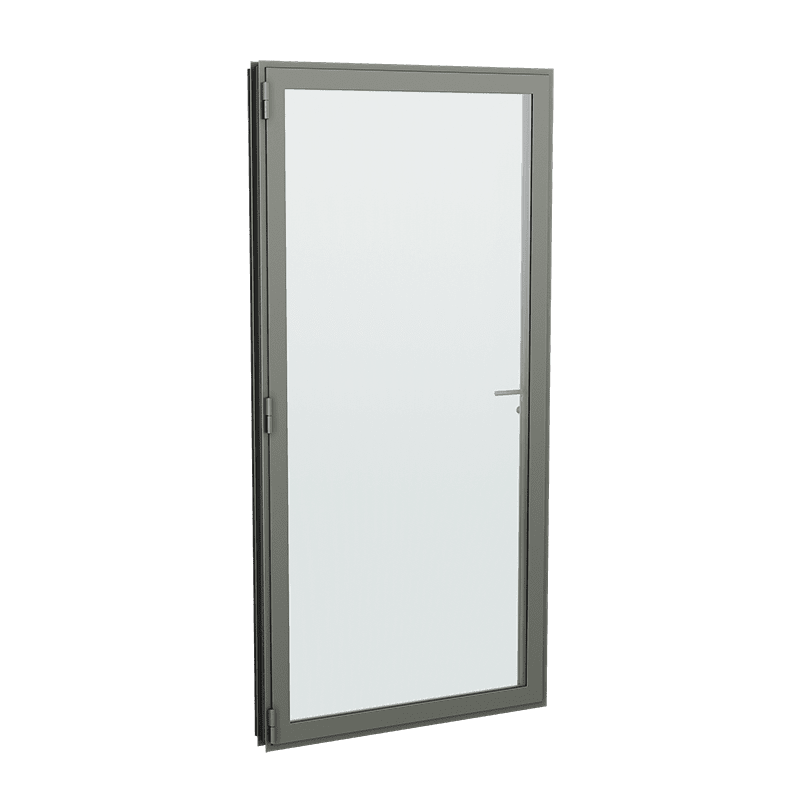
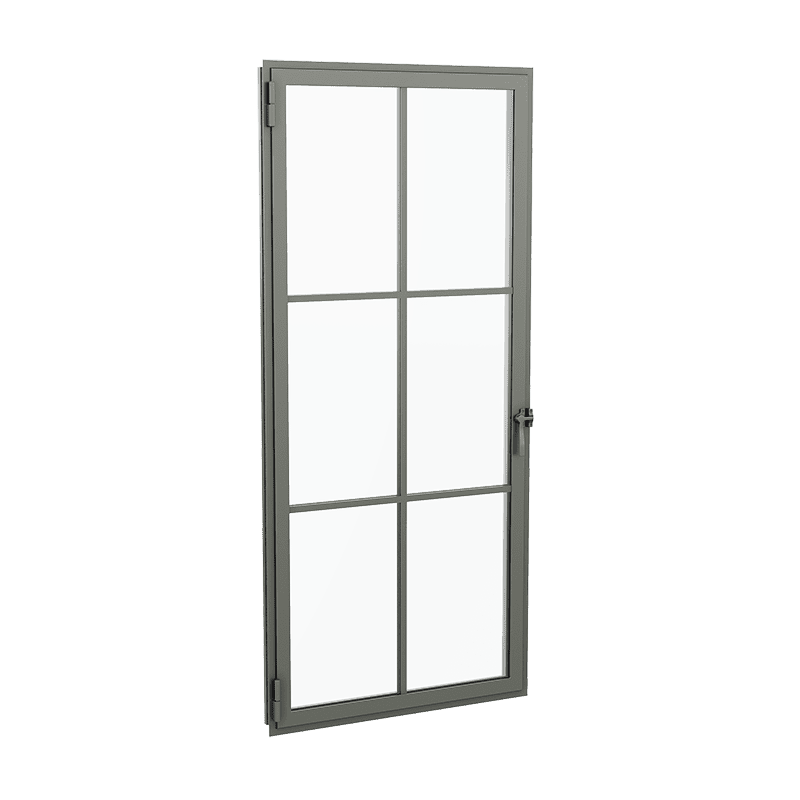
Arte Metal Doors

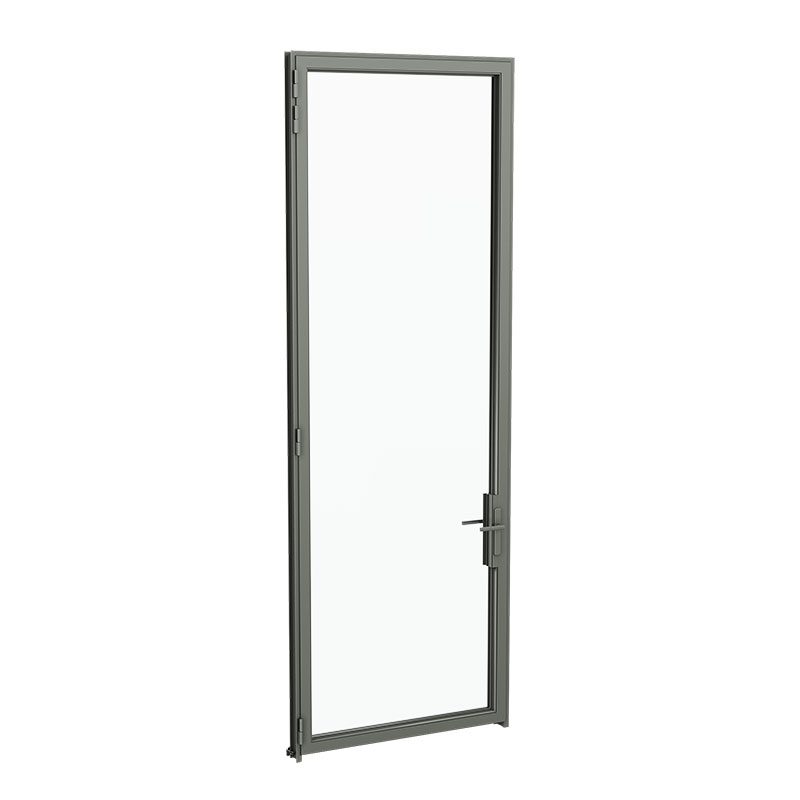
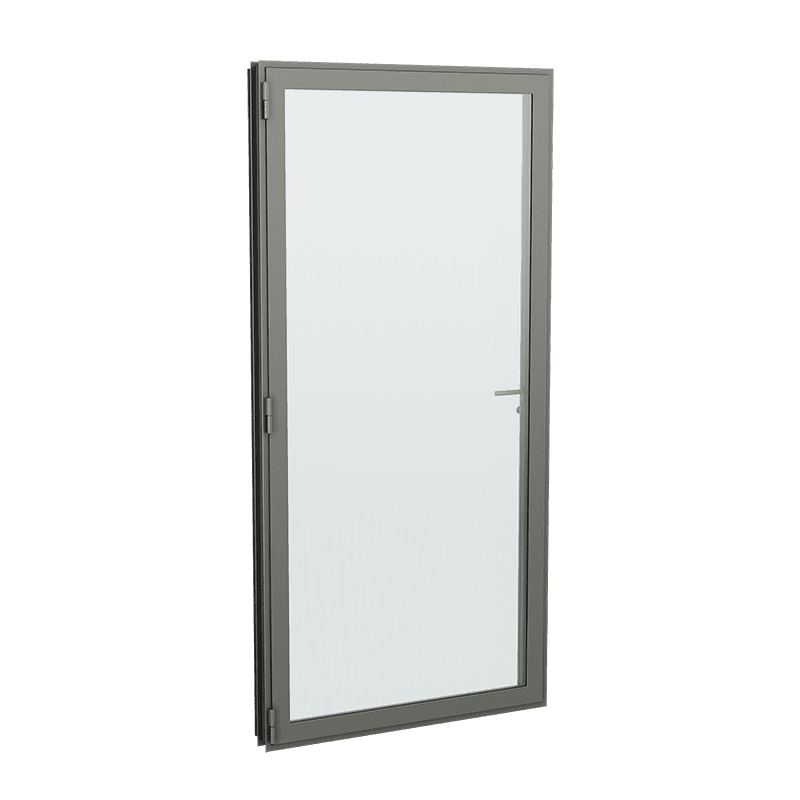
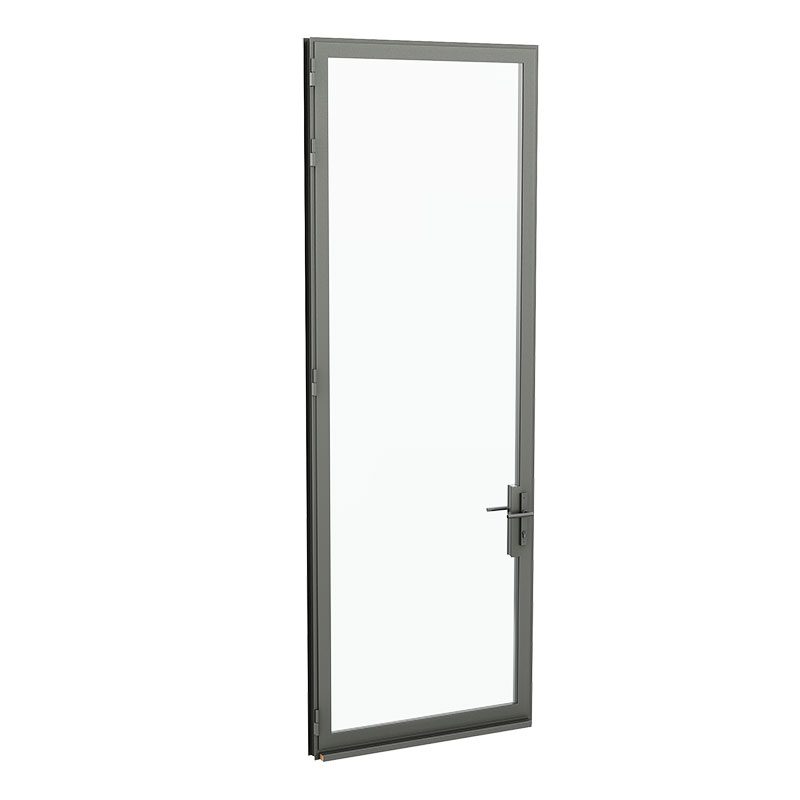
Single Door Out Swing, Bevel SDL

Metal Arte Single Door Outswing with Bevel SDL RenderingMetal Arte Single Door Outswing with Bevel SDL Rendering

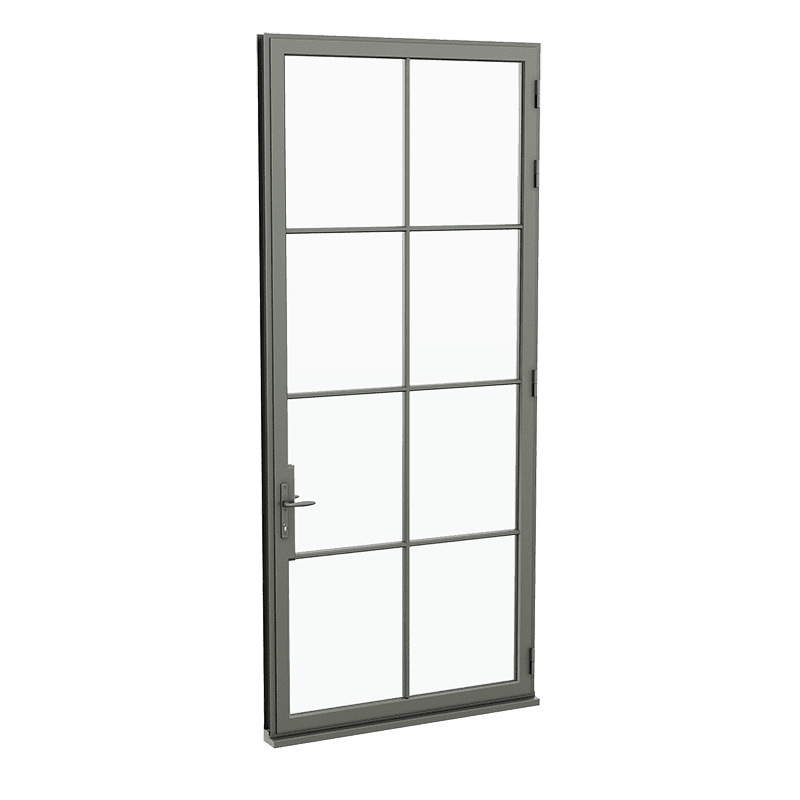
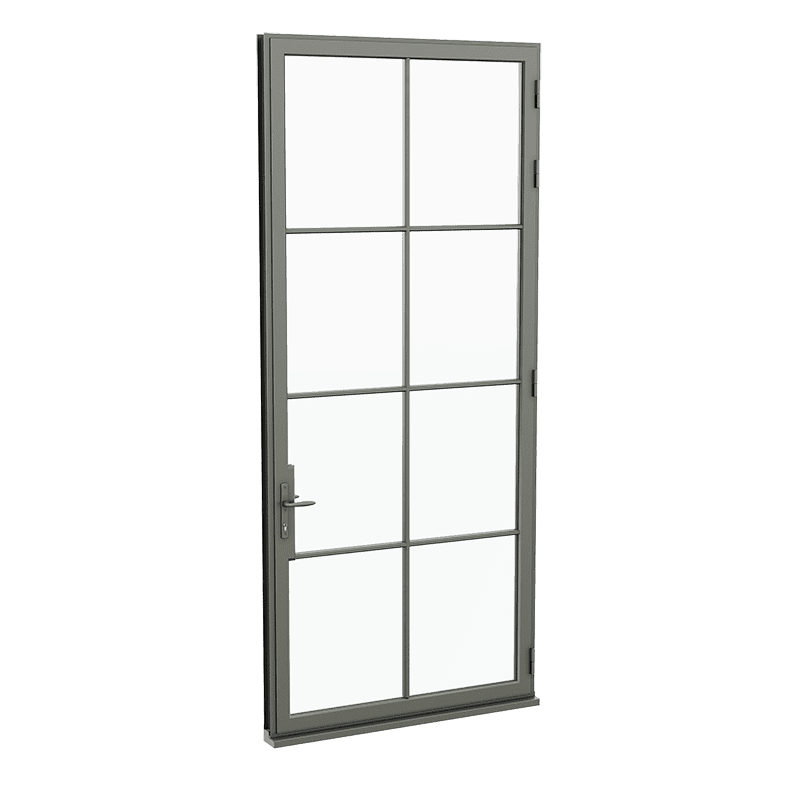
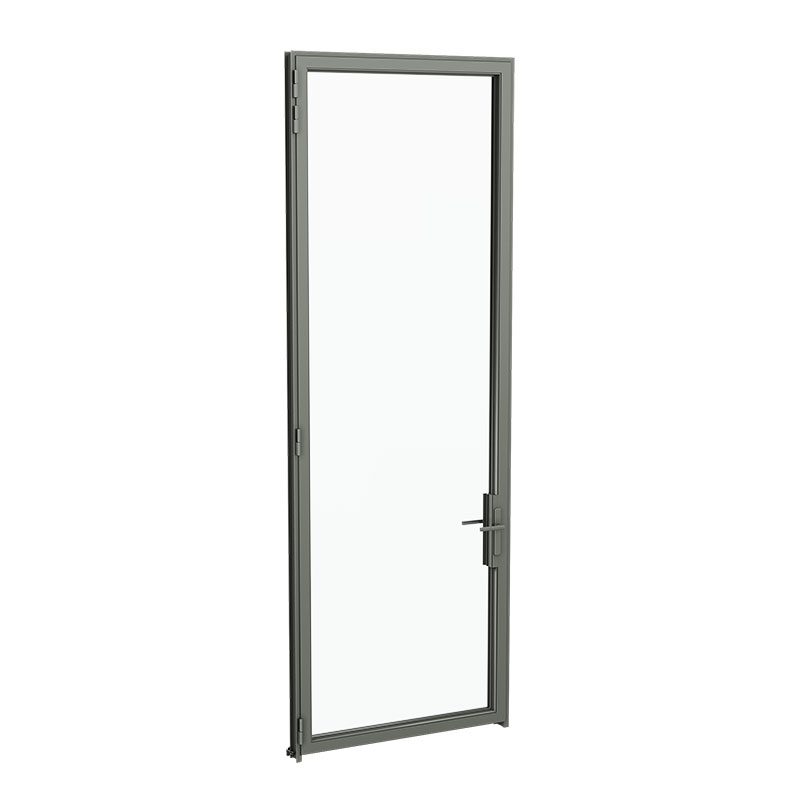
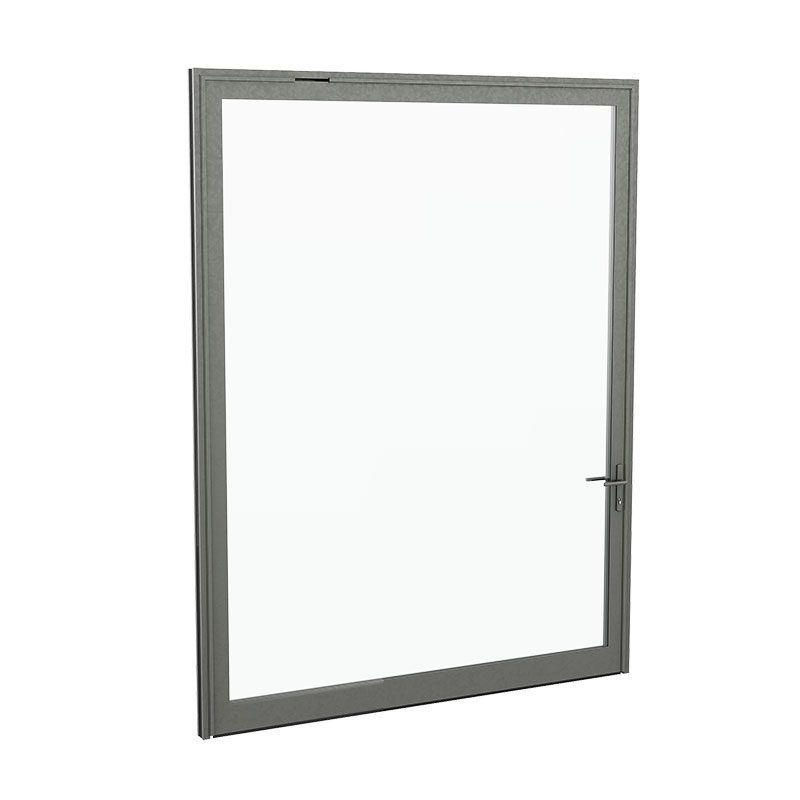
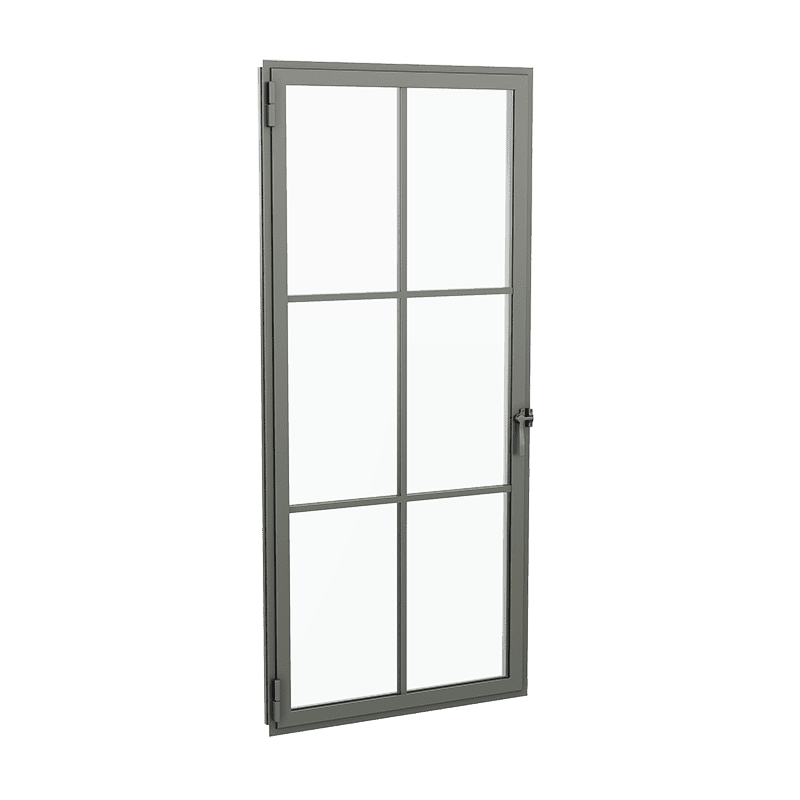
Single Door In Swing, Bevel SDL

Metal Arte Single Door Inswing with Bevel SDL RenderingMetal Arte Single Door Inswing with Bevel SDL Rendering

Pivot Door In Swing No Sill

Metal Arte Pivot Door Inswing RenderingMetal Arte Pivot Door Inswing Rendering

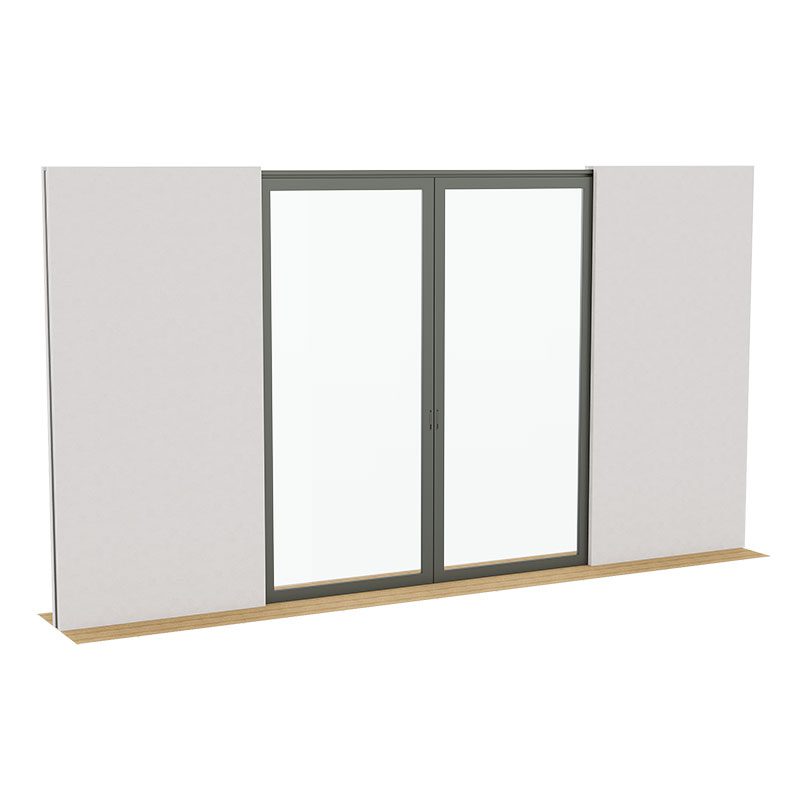
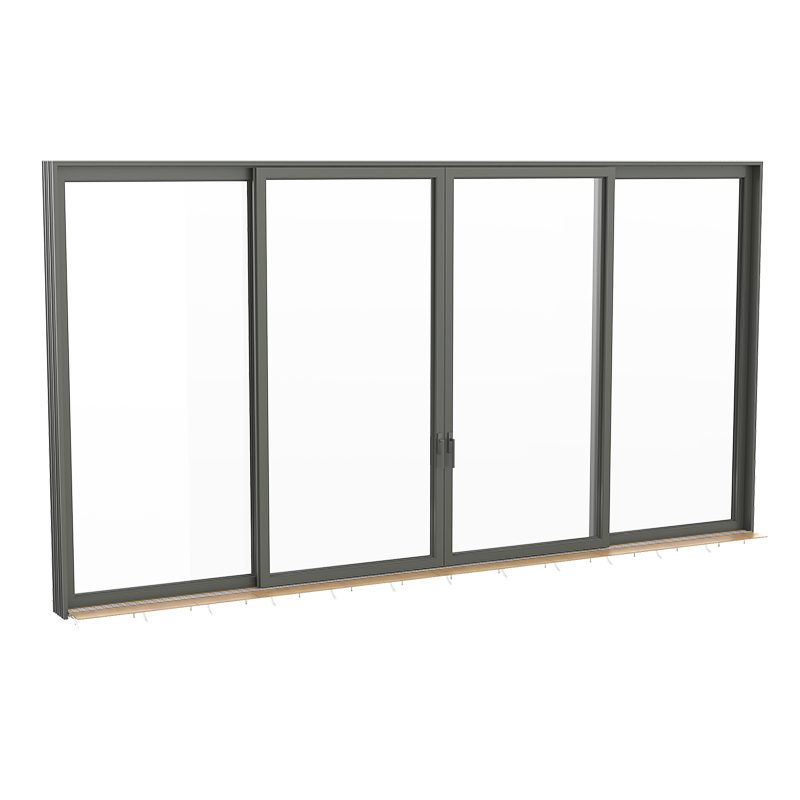
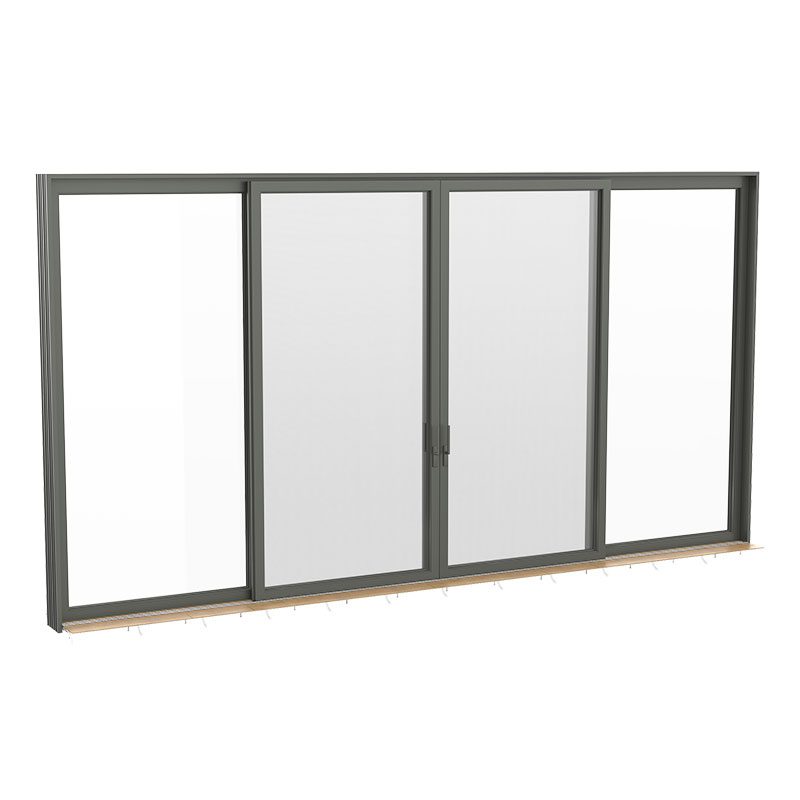
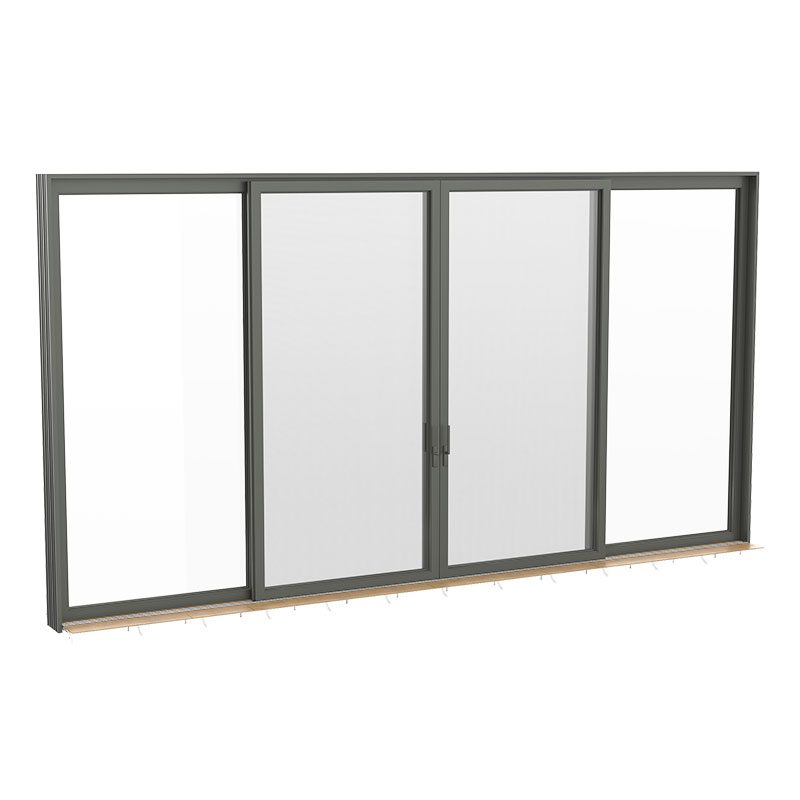
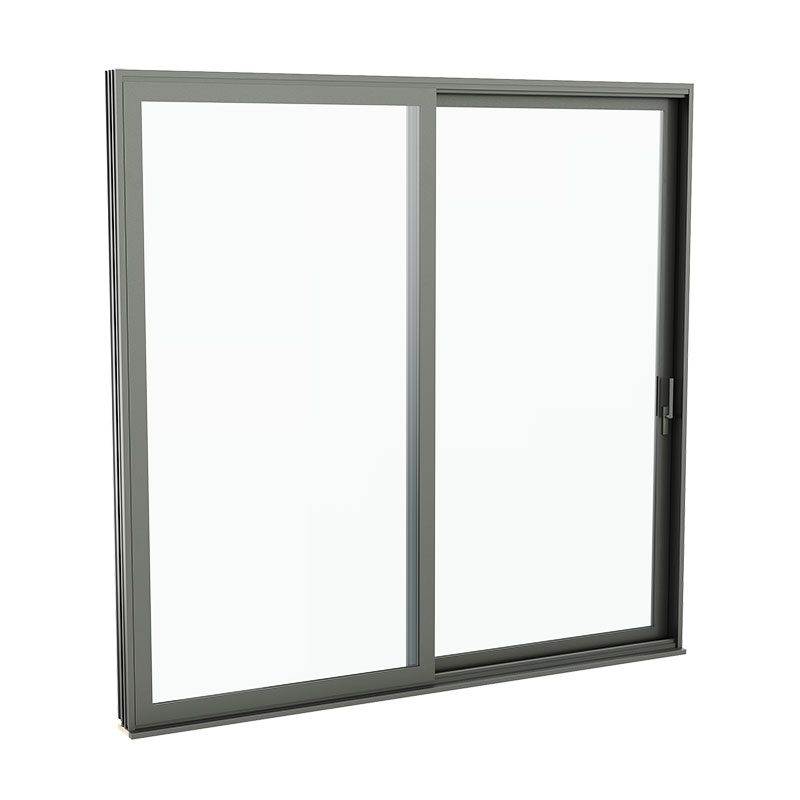
Lift & Slide XO Ip Sill

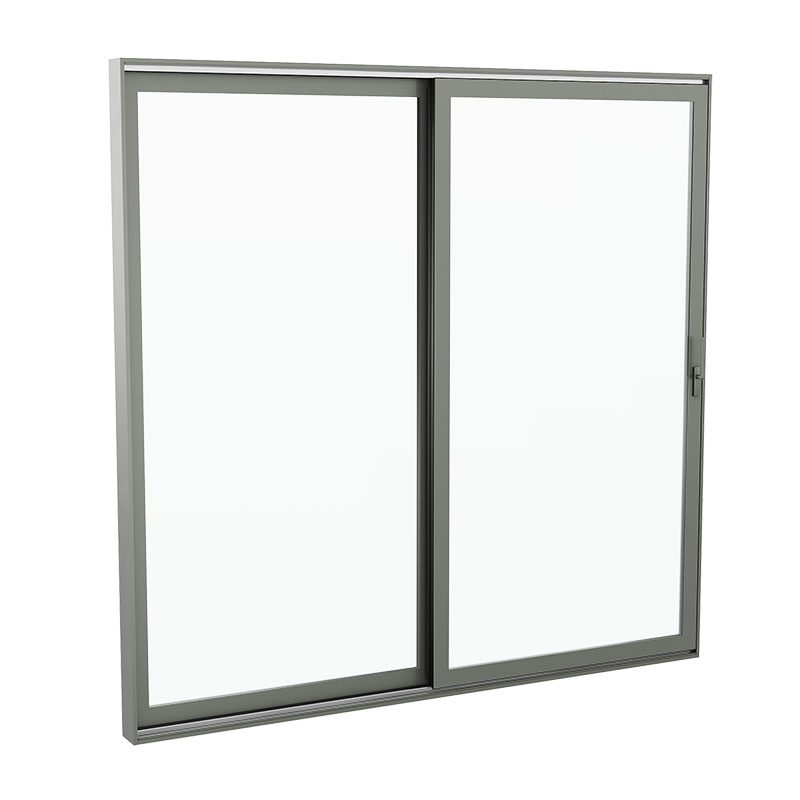
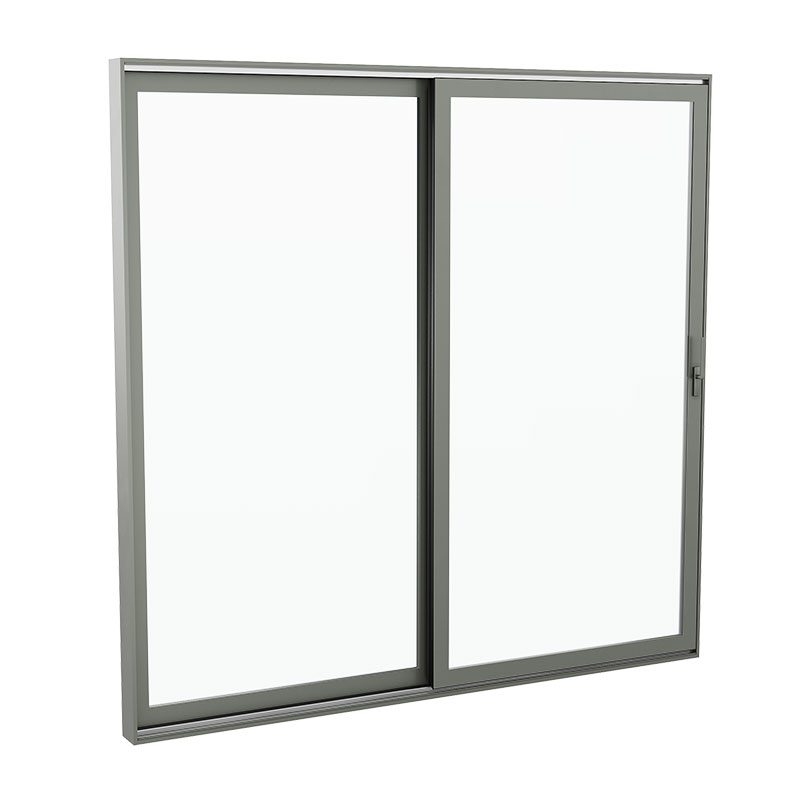
Metal Arte Lift & Slide XO lp Sill RenderingMetal Arte Lift & Slide XO lp Sill Rendering

Lift & Slide PXXP LP Sill

Metal Arte Lift & Slide PXXP LP Sill RenderingMetal Arte Lift & Slide PXXP LP Sill Rendering

Lift & Slide PX LP Sill

Metal Arte Lift & Slide PX LP Sill RenderingMetal Arte Lift & Slide PX LP Sill Rendering

Lift & Slide OXXO Ip Sill

Metal Arte Lift & Slide OXXO lp Sill RenderingMetal Arte Lift & Slide OXXO lp Sill Rendering

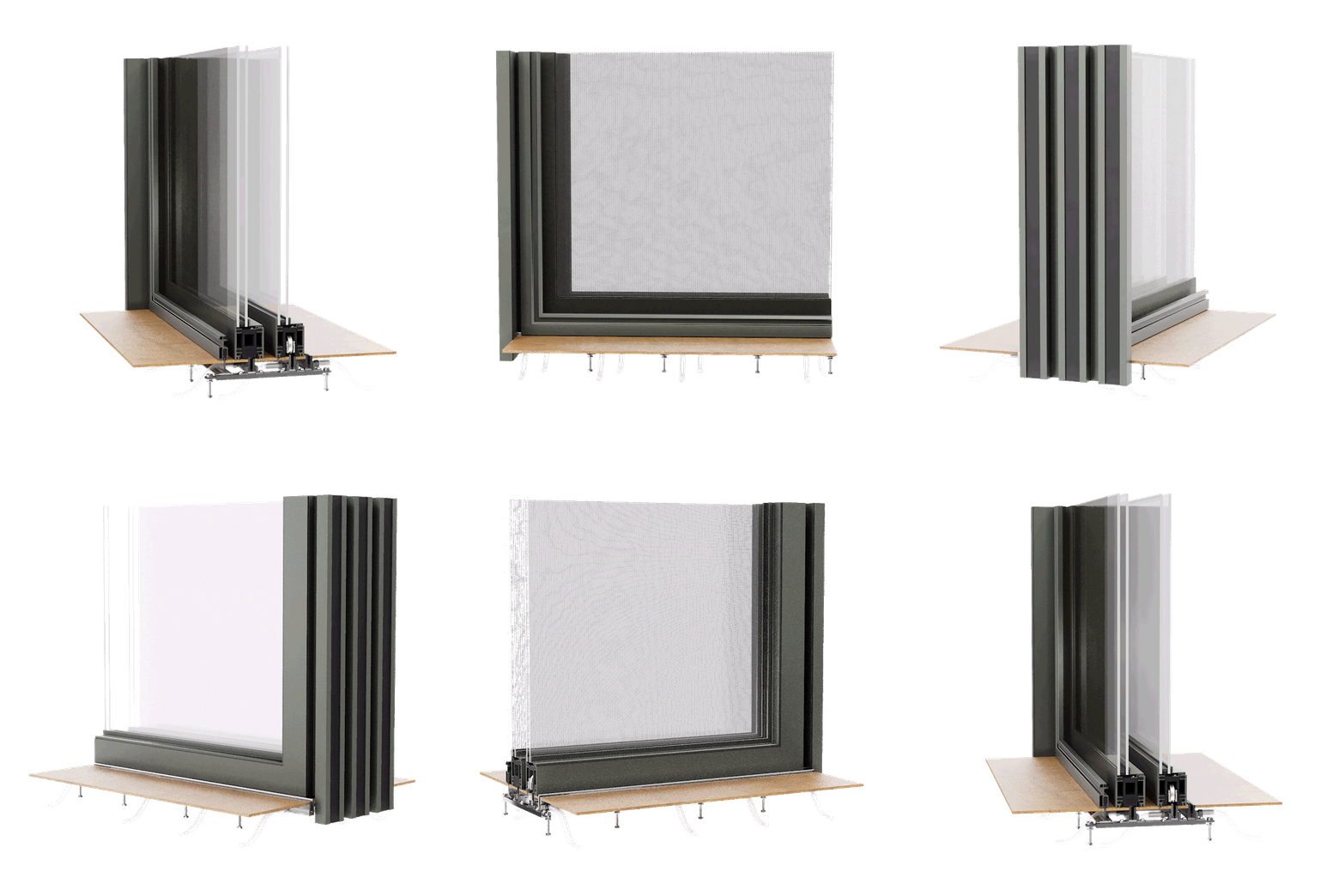
Lift & Slide OXXO LP Screens

Metal Arte Lift & Slide OXXO LP Screens RenderingMetal Arte Lift & Slide OXXO LP Screens Rendering

Lift & Slide OX HXP Sill

Metal Arte Lift & Slide OX HXP Sill RenderingMetal Arte Lift & Slide OX HXP Sill Rendering

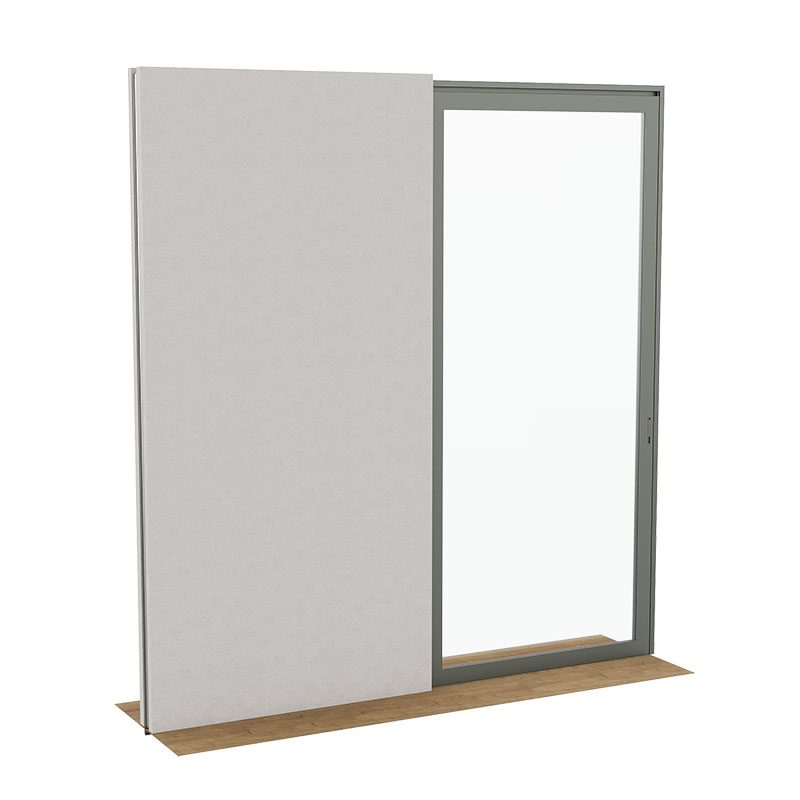
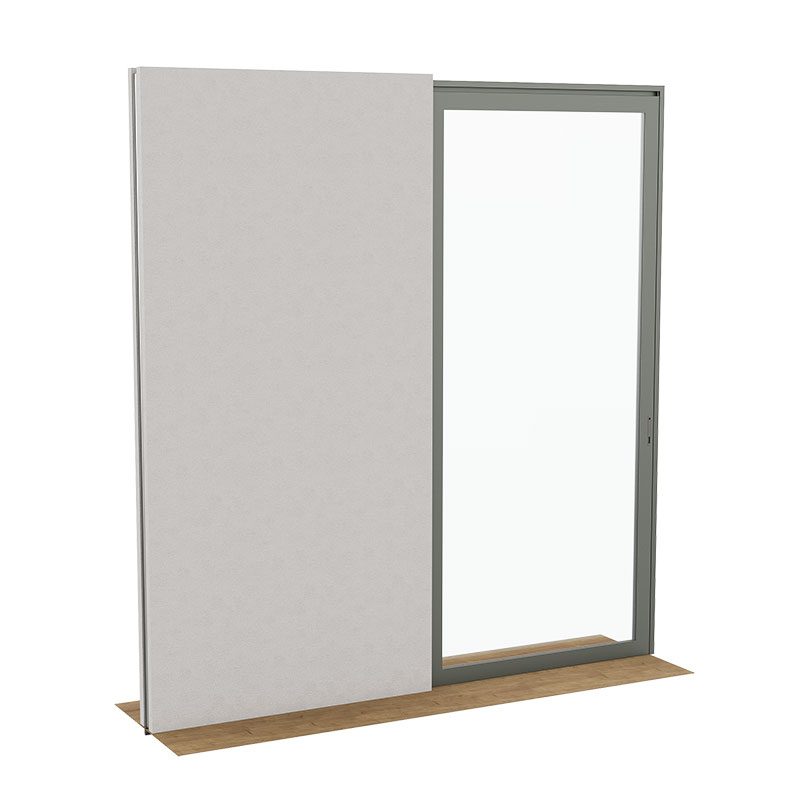
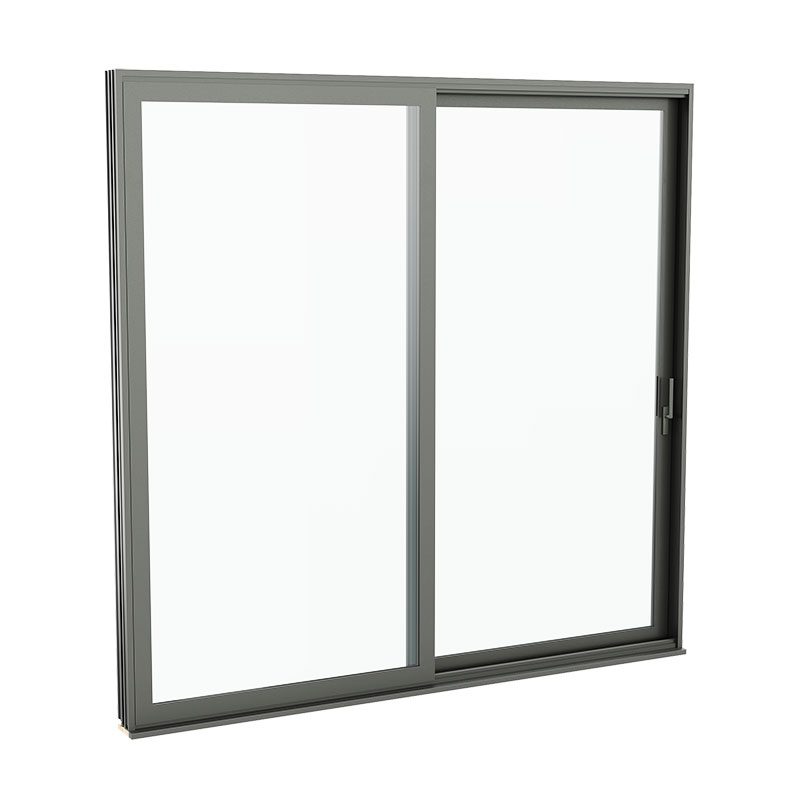
Lift & Slide OX, Bevel SDL

Metal Arte Lift & Slide OX Bevel SDL RenderingMetal Arte Lift & Slide OX Bevel SDL Rendering

Arte Metal Windows

Outswing Casement, Multi-Point

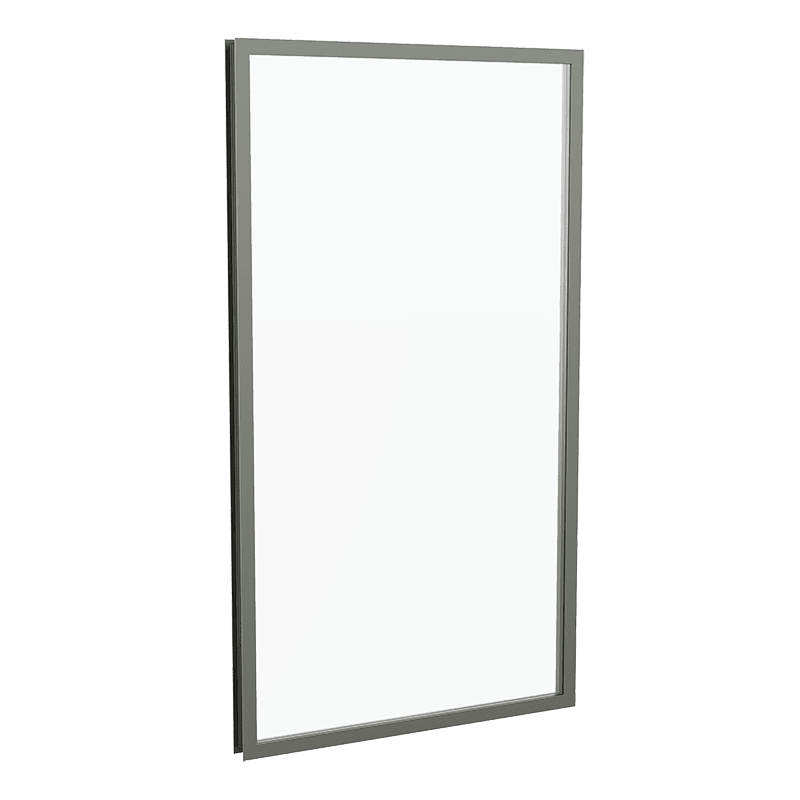
Metal Arte Casement Outswing Multi-point WindowMetal Arte Casement Outswing Multi-point Window

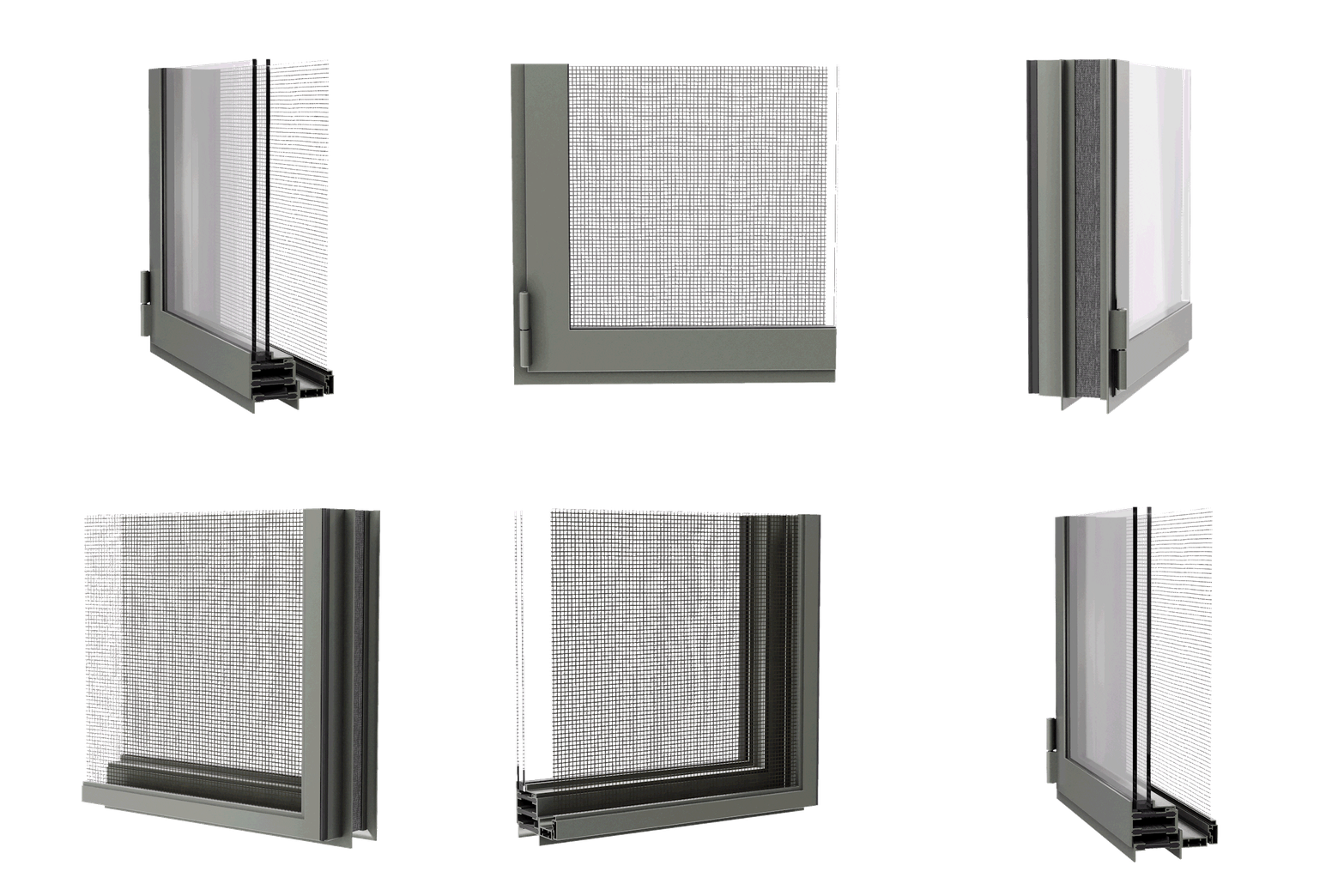
Outswing Casement, Multi-Point Screen

Metal Arte Casement Outswing Multi-point Window with Screen renderingMetal Arte Casement Outswing Multi-point Window with Screen rendering

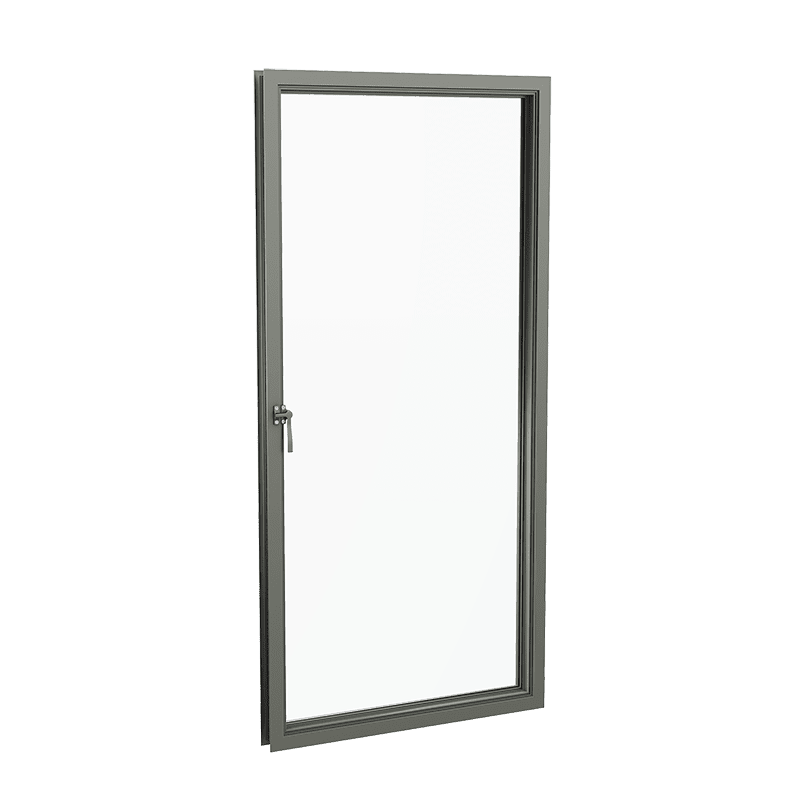
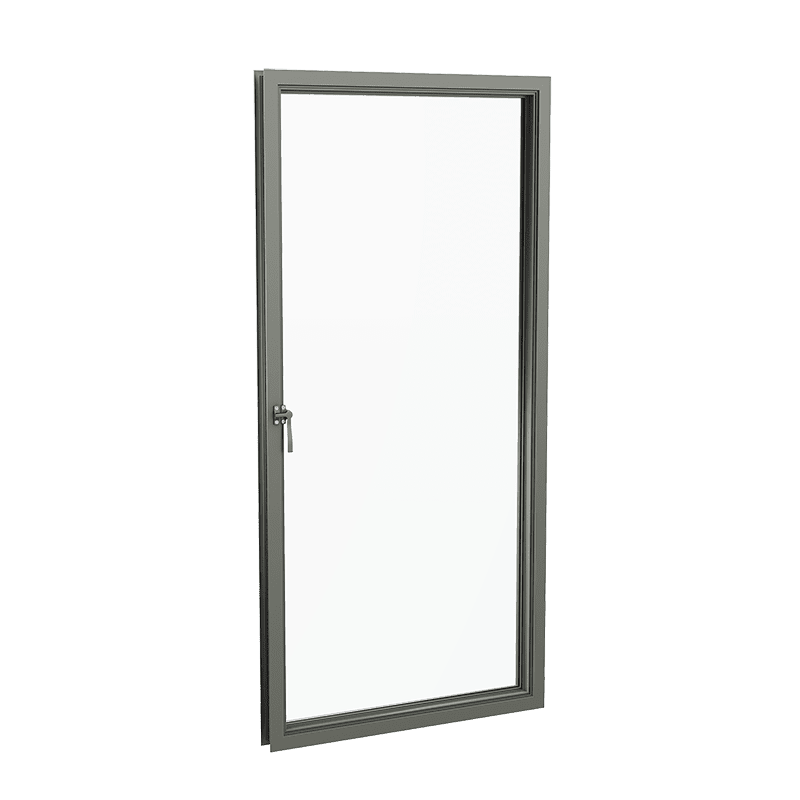
Outswing Casement, Cam Handle

Metal Arte Outswing Casement Window with Cam Handle RenderingMetal Arte Outswing Casement Window with Cam Handle Rendering

Outswing Casement, Cam Handle, Cove SDL

Metal Arte Outswing Casement Window with Cam Handle and Cove SDL RenderingMetal Arte Outswing Casement Window with Cam Handle and Cove SDL Rendering

Outswing Casement, Bevel SDL

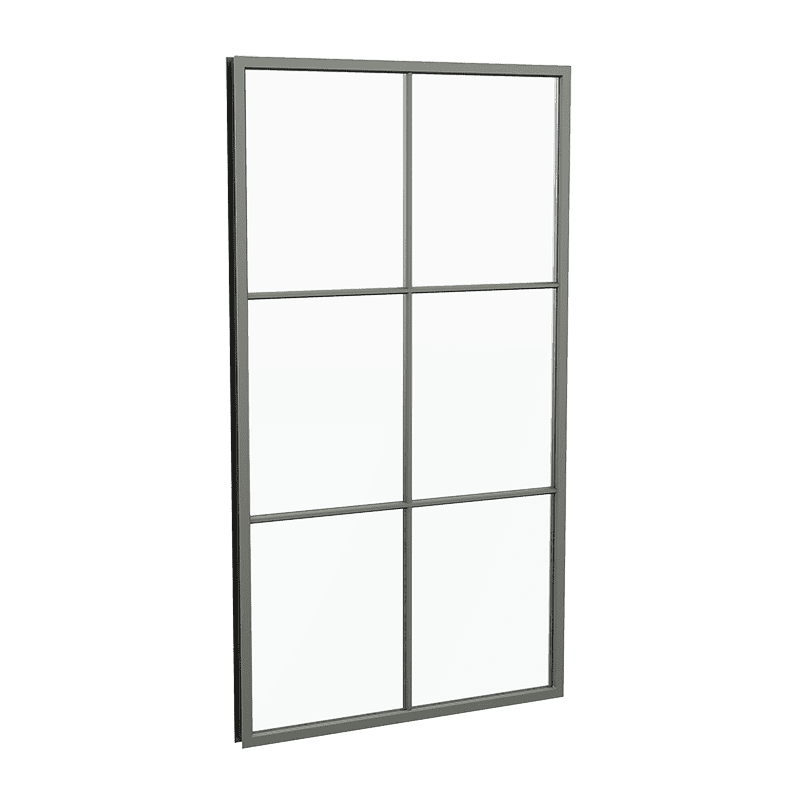
Metal Arte Outswing Casement Window with Bevel SDLMetal Arte Outswing Casement Window with Bevel SDL

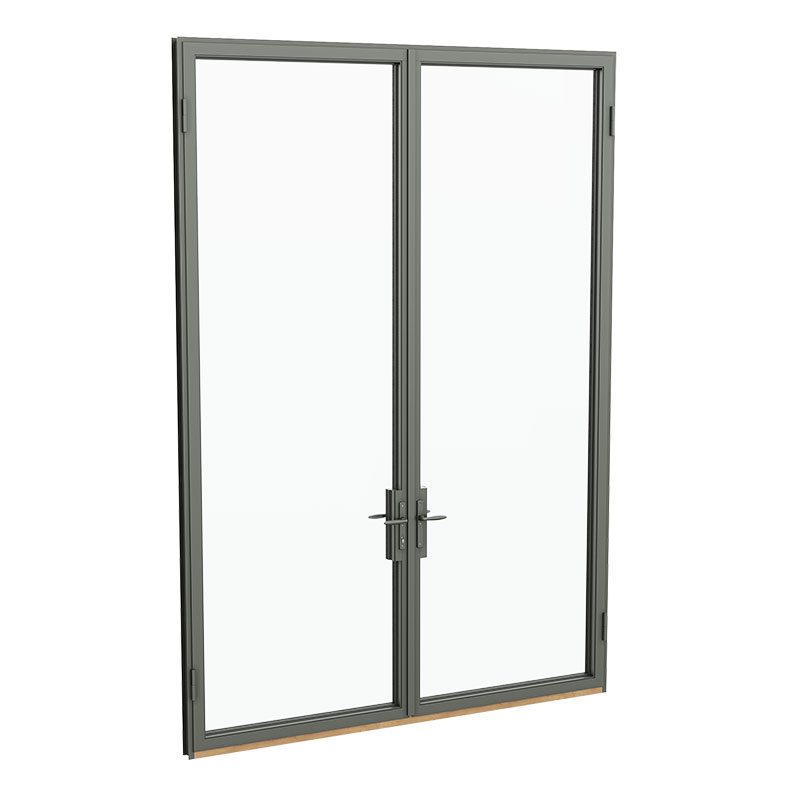
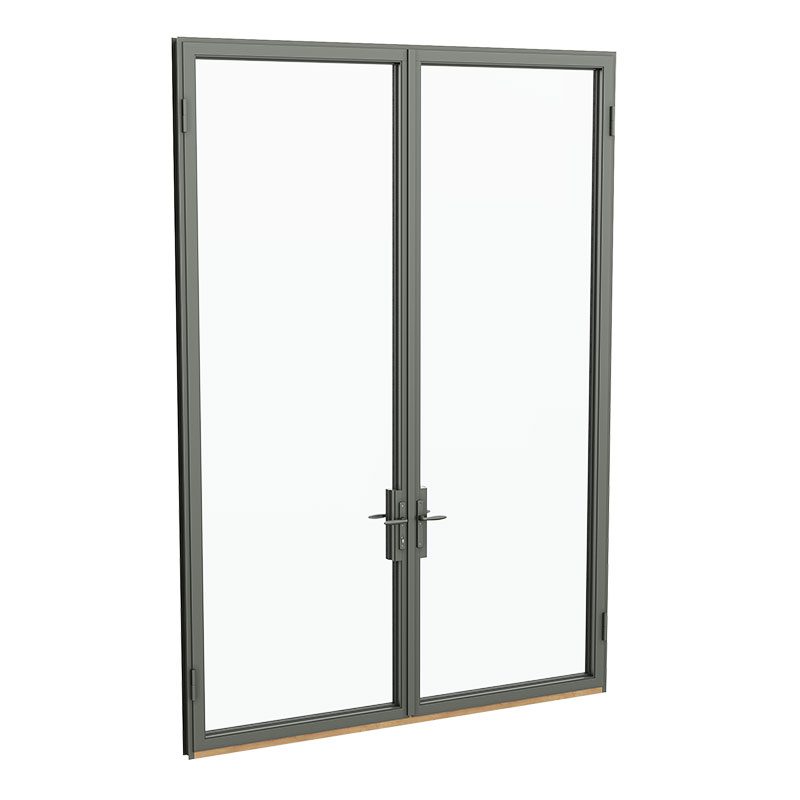
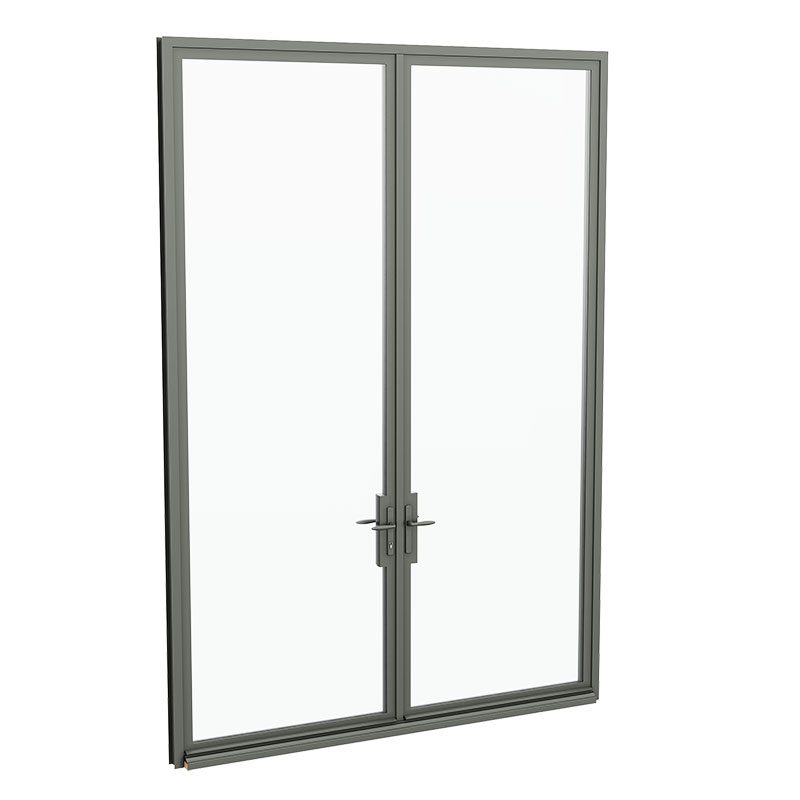
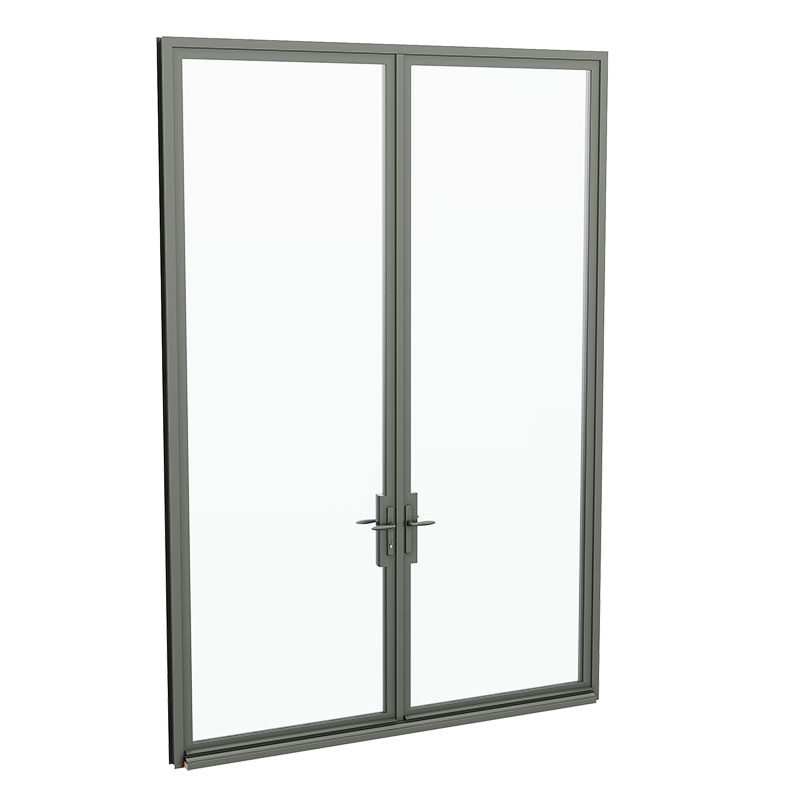
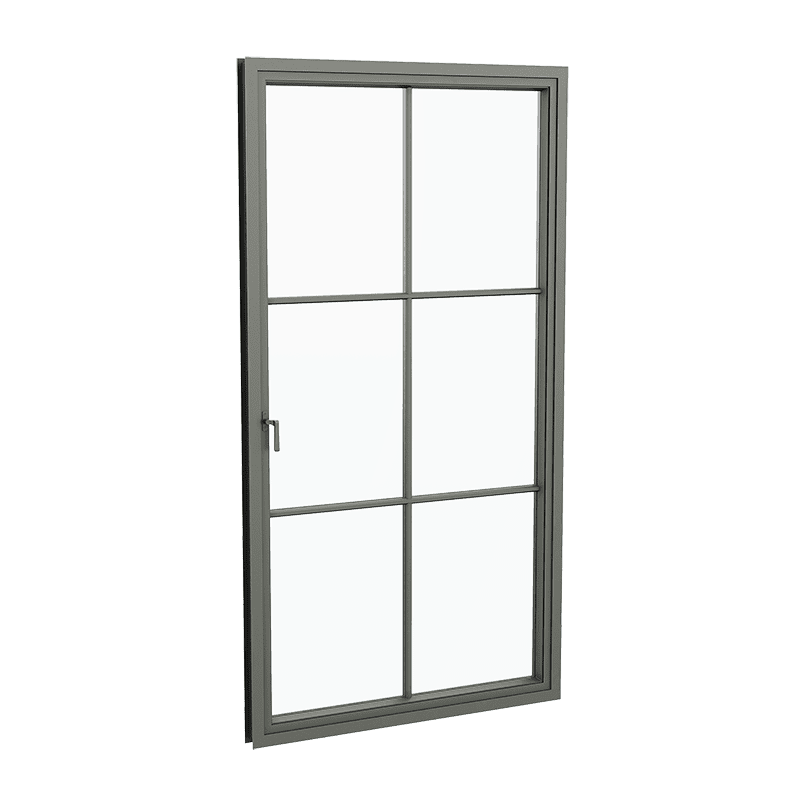
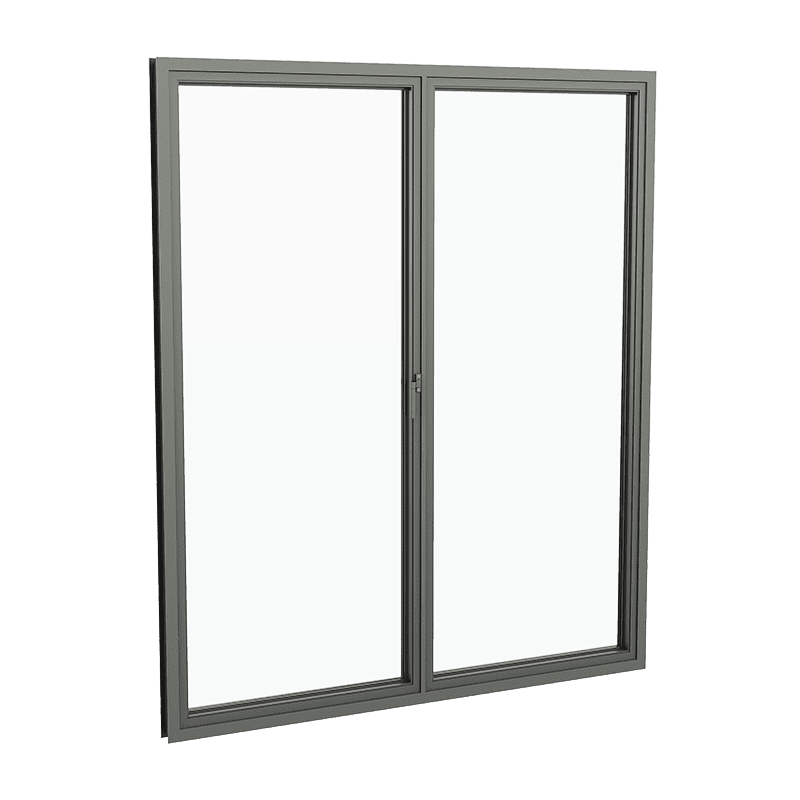
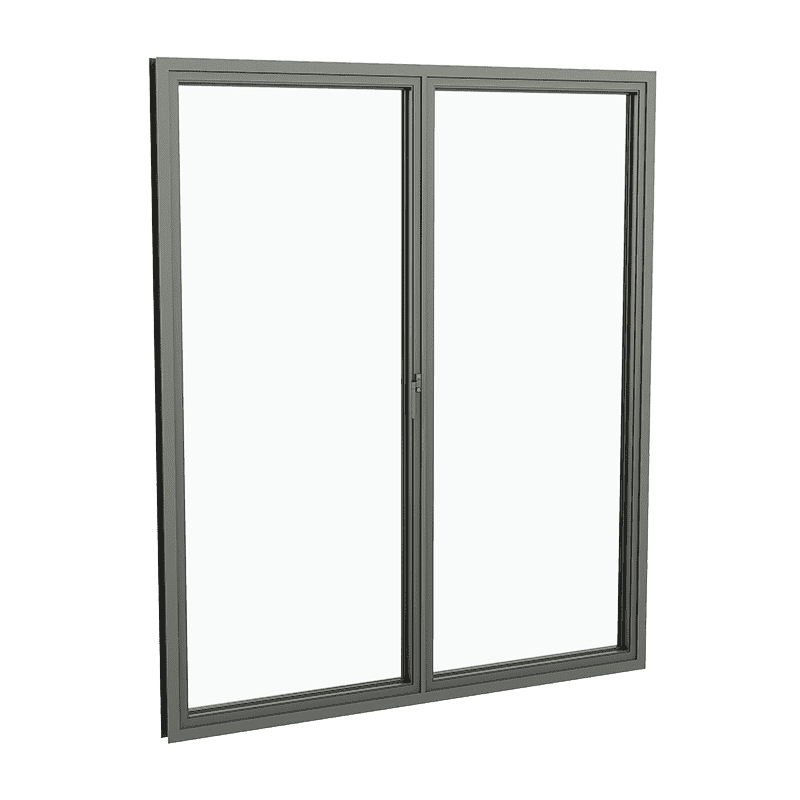
Outswing French Casement, Multi-Point

Metal Arte French Casement Outswing Multi-point RenderingMetal Arte French Casement Outswing Multi-point Rendering

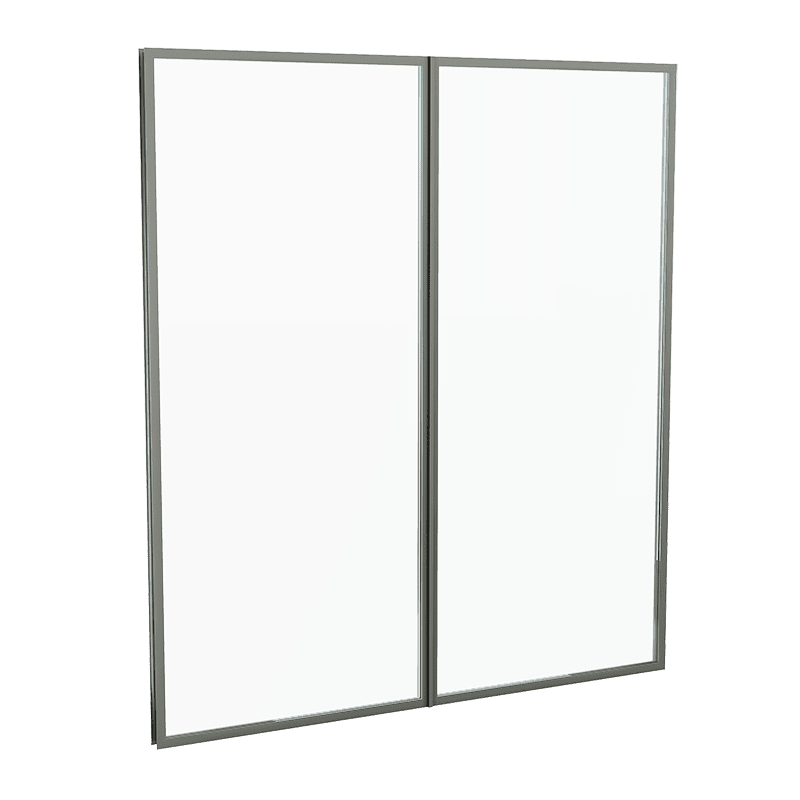
Direct Glazed, Bevel SDL

Metal Arte Direct Glazed Window with Bevel SDLMetal Arte Direct Glazed Window with Bevel SDL

Direct Glazed – Strut – Direct Glazed

Metal Arte Direct Glazed - Strut - Direct Glazed Window RenderingMetal Arte Direct Glazed - Strut - Direct Glazed Window Rendering

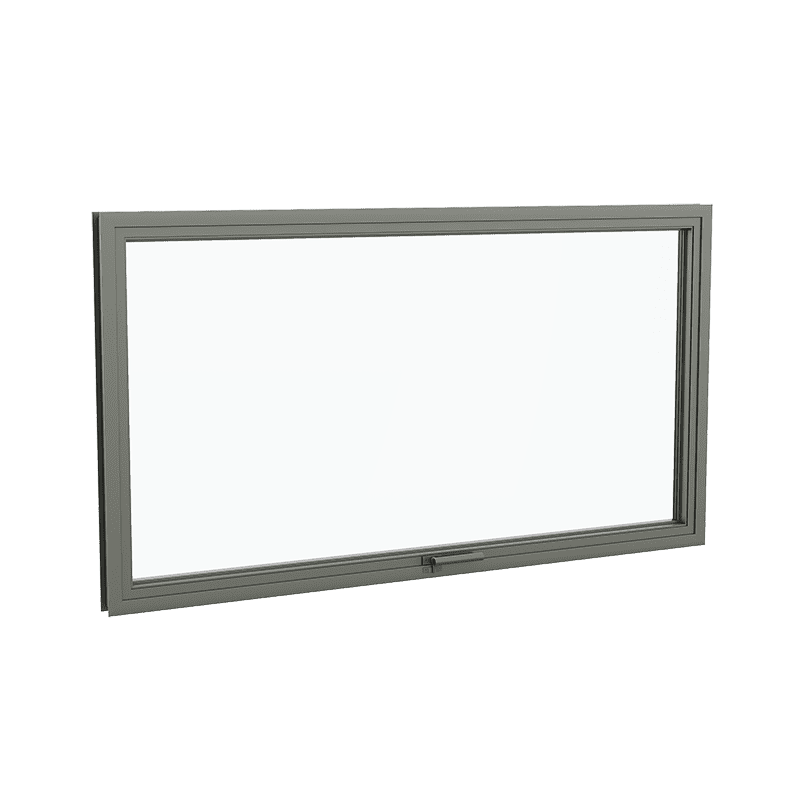
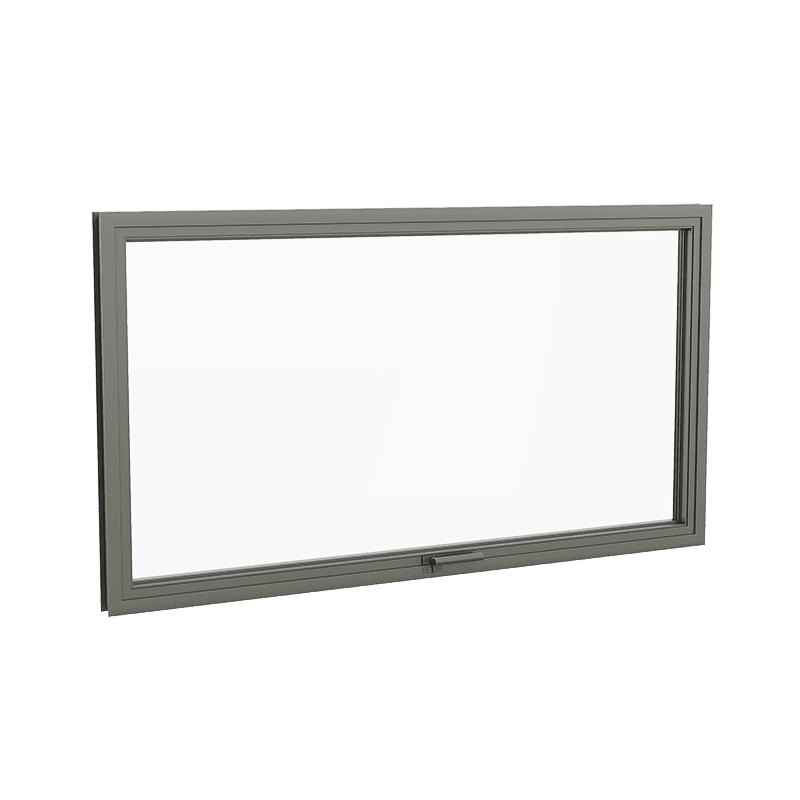
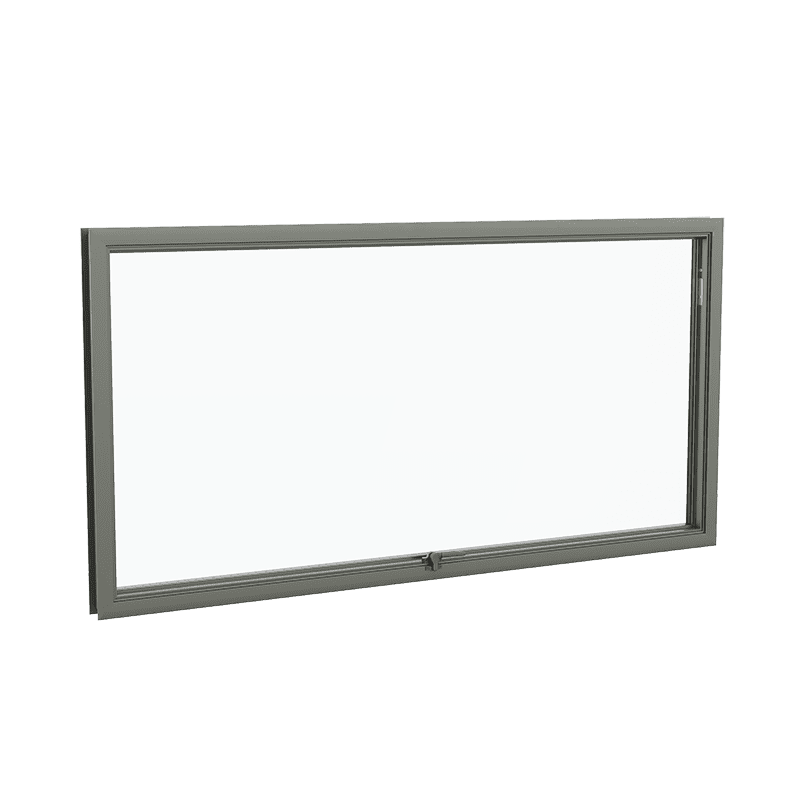
Awning Out Swing Multi-point

Metal Arte Awning Outswing Multi-point RenderingMetal Arte Awning Outswing Multi-point Rendering

Early exploration is available across Dynamic’s Arte Metal series, including:

  • Bronze, steel, and aluminum frame expressions
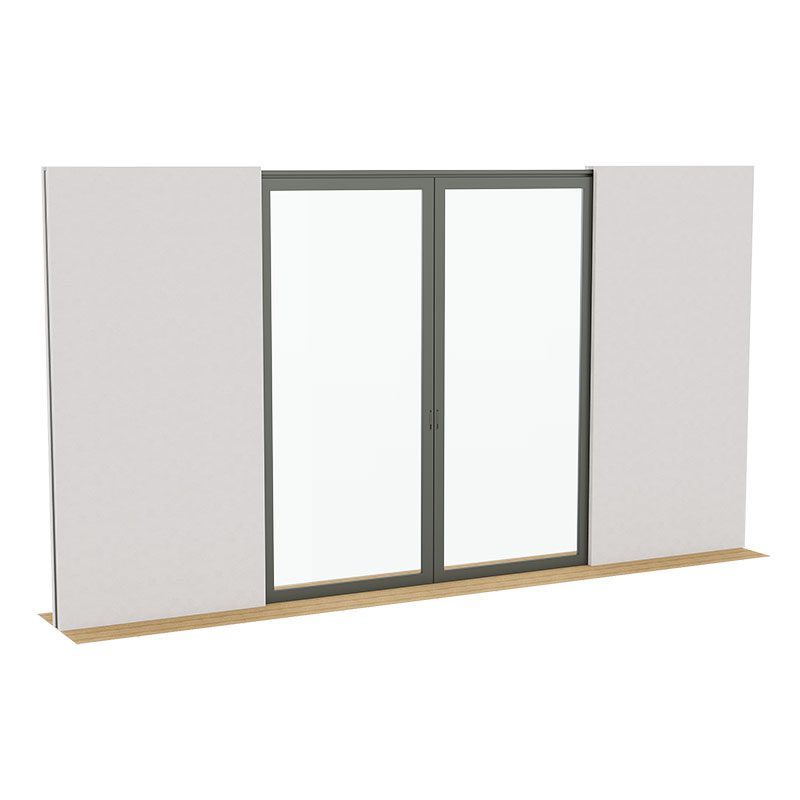
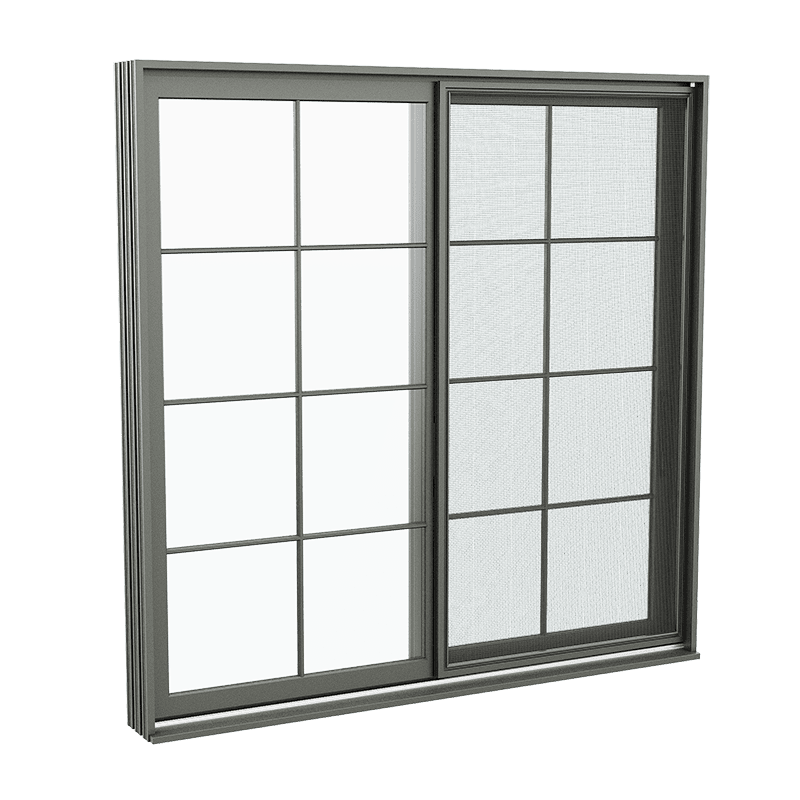
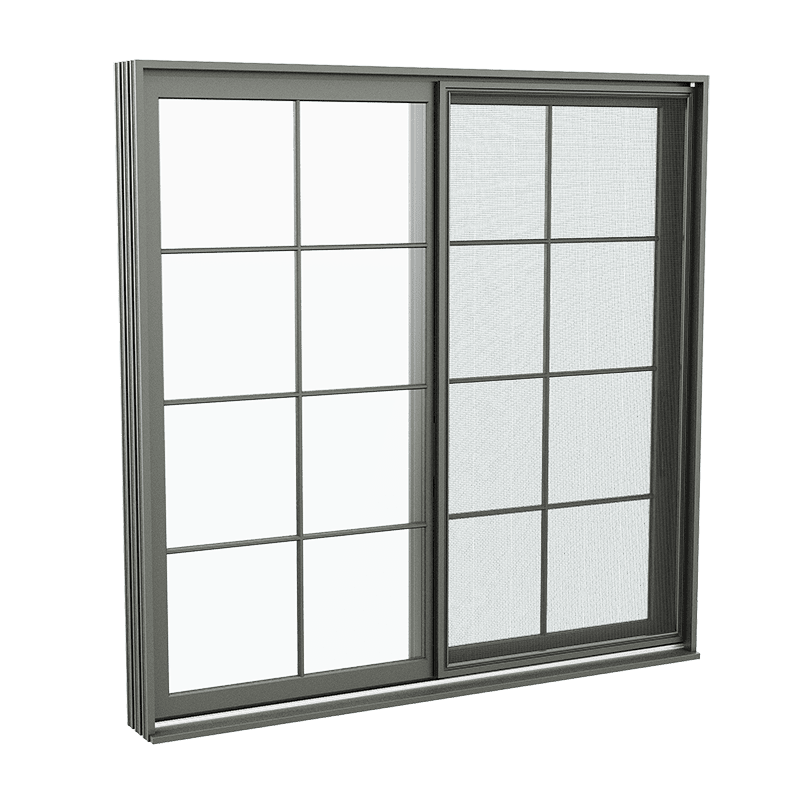
  • Sliding, hinged, and large-opening configurations
  • Minimal and reduced-profile geometries

Associated Revit files are available to support accurate placement and coordination within architectural models.

Visual outputs are representational, not final. Final detailing, performance values, and engineering are developed collaboratively through design-assist.

3D configuration and Revit access often serve as the first point of engagement in a broader collaboration.

Once design intent is clarified, Dynamic’s Navigator-led design-assist process supports:

  • Constructability alignment
  • Performance modeling
  • Custom engineering
  • Shop-level documentation
  • Execution without design erosion

The configurator and Revit files clarify the vision. The Navigator process protects it.

FAQs

Primarily architects and design professionals. While visually intuitive, it is built to support architectural decision-making, not consumer selection. 

No. Configuration and Revit files support early alignment and documentation. Pricing, thermal performance, acoustics, and structural values are developed during design-assist based on project-specific conditions. 

Yes. All systems are part of Dynamic’s bespoke framework. Final dimensions, profiles, finishes, and performance characteristics are resolved collaboratively. 

No. It precedes those steps, ensuring that when technical work begins, it aligns precisely with design intent. 

Yes. Interactive 3D configuration and Revit files currently focus on the Arte Metal series, with wood and wood-clad systems planned for future release. 
Ready to elevate your architectural experience?